Help & support
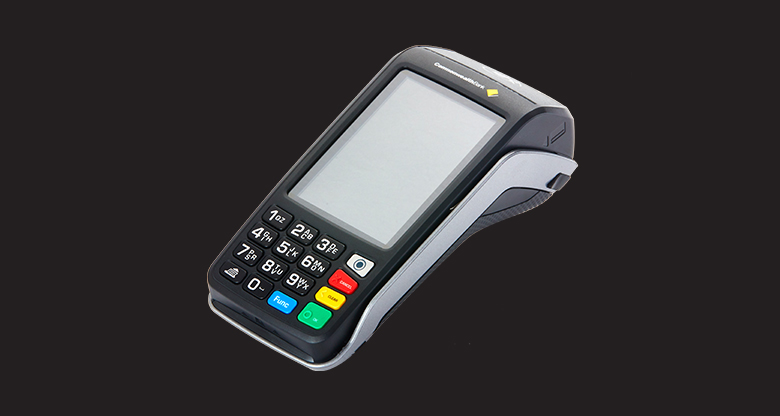
Accept payments in-store or on the go with a range of EFTPOS devices.
Essential
Solutions for business' who want to process online payments.
Your free business insights tool available through your online banking. Find out who your most valuable customers are, see the percentage of new versus repeat customers and compare your sales to your industry.

1 You can add your CommBank business credit cards and Visa Business Debit card to Apple Pay. Some CommBank cards are ineligible for Apple Pay including Mastercard Business Debit Card and Corporate card.
Apple, the Apple logo, Apple Pay, Apple Watch, MacBook Pro, iPad and iPhone are trademarks of Apple Inc., registered in the U.S. and other countries.
As this advice has been prepared without considering your objectives, financial situation or needs, you should, before acting on the information, consider its appropriateness to your circumstances. Please view our Merchant Agreement, Financial Services Guide and Operator and User Guides at our Merchant Support Centre.
We’ve started to disable the manual entry functionality on our EFTPOS terminals to protect our customers from fraud.
This is one way we’re continuing to make your EFTPOS terminal more secure, but it’s still important that you watch and protect your terminal from misuse.
You can find out more about how to keep your terminal safe on our merchant resources page or in our Merchant Agreement.
If you need to process a transaction without a customer’s card present please call our merchant support team on 1800 230 177 to discuss the alternate options available for your business.
The Reserve Bank of Australia (RBA) has established changes to card payments regulations banning excessive payment surcharges and providing new powers for the Australian Competition and Consumer Commission (ACCC). This new standard will affect the amount that merchants can surcharge for card transactions. The standard currently applies to large businesses and will apply to all other businesses from 1 September 2017.