Help & support
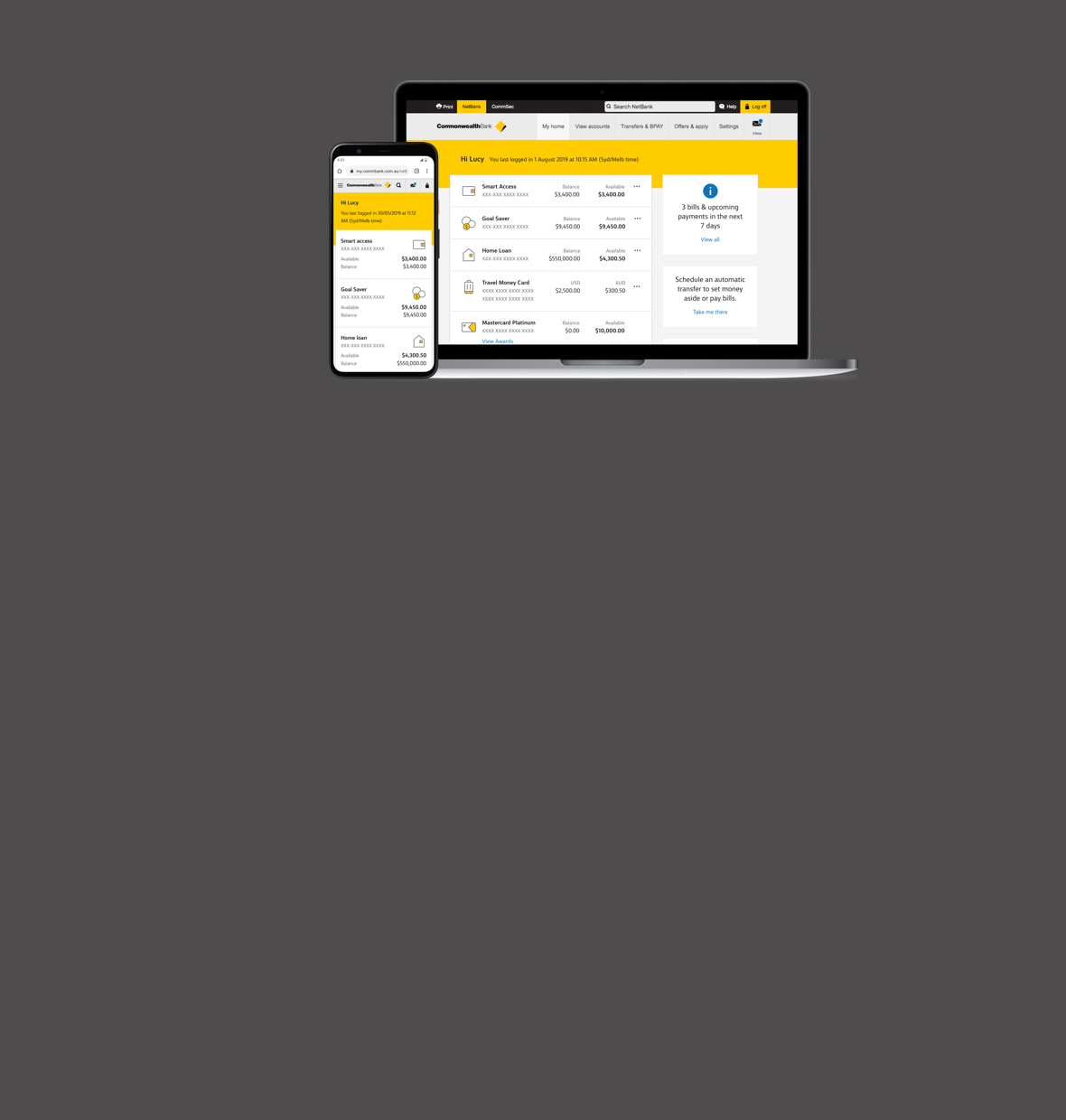
You can do your day-to-day banking from your laptop or desktop computer with NetBank - it's simple and secure. Register for NetBank to get started.
For step-by-step instructions in Easy English on how to use NetBank, access the guide How to use NetBank (PDF).
You can do your day-to-day banking from your laptop or desktop computer with NetBank - it's simple and secure. Register for NetBank to get started.
For step-by-step instructions in Easy English on how to use NetBank, access the guide How to use NetBank (PDF).
Your banking details are secured by a client number and password unique to you. If you have the CommBank app, you’ll also get a notification to confirm the logon attempt in the app before you can access your NetBank. This helps prevent unauthorised access to your digital banking, even if someone has your password.
We take our responsibility to protect your privacy and security when banking online seriously, and have a range of security capabilities to keep your info safe.

You can show and hide accounts in NetBank, or organise your accounts into groups. And by giving them a nickname, they can become more meaningful to you.
If you’re someone in a hurry or prefer not to click around, customising Quick Links on your NetBank homepage makes it easier to get to the sections you use the most.
And protect your money if your card is lost or stolen here or overseas.


Get personalised property insights that change dynamically over time, allowing you to track and manage your property portfolio, explore your options and plan for the future.
Every business walks to a different beat. Big or small, starting or growing.
The tools, support and products in NetBank make it easier for you to do business the way you want. Here’s a snapshot:
1 A new interest rate may apply when you apply to increase your loan amount, however you will be notified of this before you proceed.
2 Up to $10,000 per year on Fixed Rate Loans without Early Repayment Adjustment charged. Additional repayments made on a Fixed Rate Loan are not available to be redrawn.
Applications for finance are subject to the Bank’s normal credit approval. Full terms and conditions will be included in our loan offer. Fees and charges are payable.
Here's more on our security capabilities and simple steps you can take to protect yourself every day, wherever you are online.
BPAY is a registered trademark of BPAY Pty Limited ABN 69 079 137 518. Apple, the Apple logo & iPhone are trademarks of Apple Inc, registered in the U.S. and other countries. App Store is a service mark of Apple Inc. Google Play and Android are trademarks of Google Inc. Windows is a registered trademark of Microsoft Corporation in the United States and other countries. Commonwealth Bank of Australia ABN 48 123 123 124.