Help & support
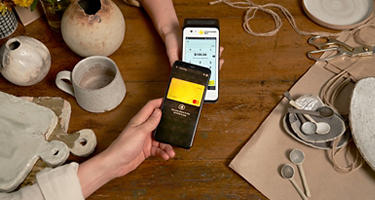
Wherever you are and whatever you’re doing, you can now use your phone or wearable to make payments.
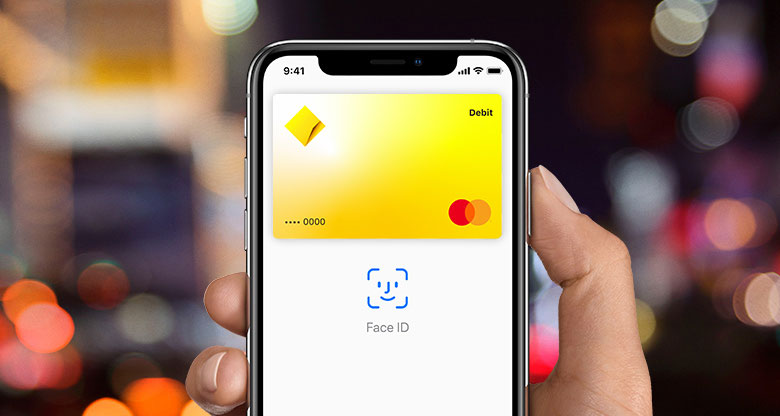
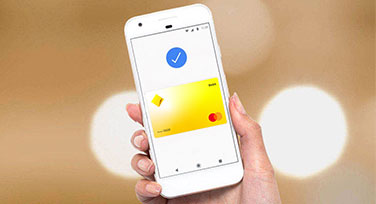
Use the CommBank app to tap and pay, or choose from our range of digital wallets - like Apple Pay, Google Pay or Samsung Pay. Simply link your eligible CommBank debit or credit card to the app to get started.1
We use the latest Near Field Communication (NFC) payment technology to keep your money safe. Your card number is encrypted - it isn’t stored on your device and we never give it to the merchant.
Manage your money and pay on the go, in our award winning app.

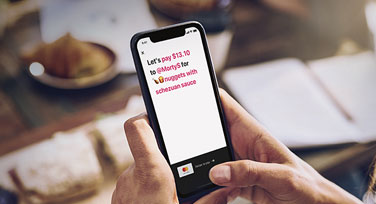
Make or request instant payments – no matter who you bank with.
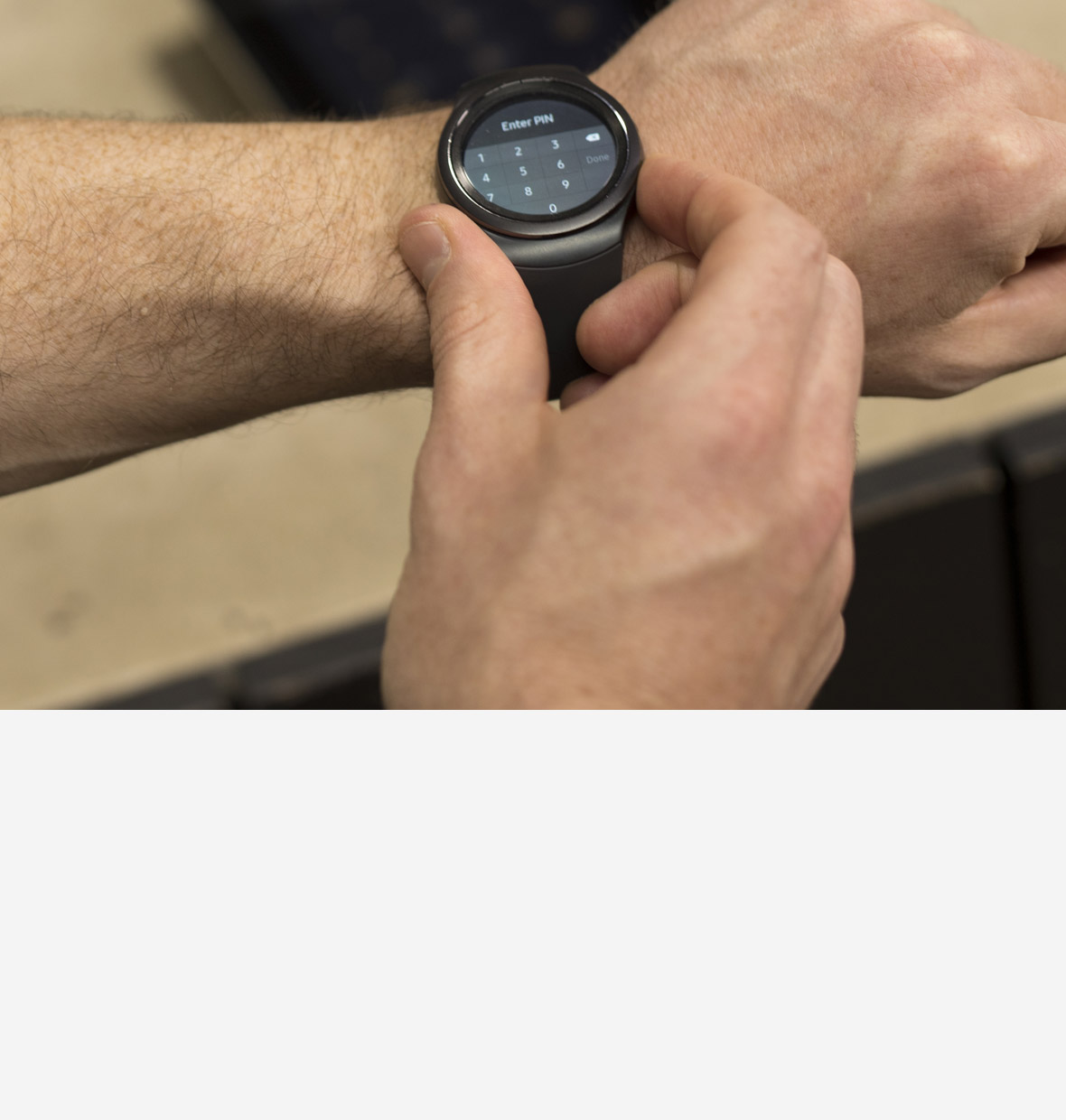
Track your fitness and pay on the move with your wearable:

You can open an everyday account (with a Debit Mastercard) in under five minutes.
Then download the CommBank app and connect your Debit Mastercard or CommBank credit card to your device’s payment app to pay on the go.
As a business, big or small, accepting digital wallet payments is great for your customers and you. Transactions can be processed in an instant, plus the added security means you’re better protected against fraud.
Run a business? Discover more about accepting digital wallet payments
1 You can add your CommBank Debit Mastercard, CommBank World Debit Mastercard™, personal and business credit cards, corporate credit and charge cards and Visa Business Debit card. If you are an additional cardholder, you may add your eligible Commonwealth Bank credit card provided it is Mastercard branded. Visa credit cards issued to additional cardholders may be eligible, however, a transaction limit of $100 will apply.
Some CommBank cards are ineligible including Keycard, Travel Money Card and Mastercard Business Debit Card.
The CommBank app is free to download however your mobile network provider charges you for accessing data on your phone. Find out about the minimum operating system requirements on the CommBank app page. Terms and conditions are available on the app. NetBank access with NetCode SMS is required. Full terms and conditions available on the CommBank app.
Apple, the Apple logo, Apple Pay, Apple Watch, MacBook Pro, iPad and iPhone are trademarks of Apple Inc., registered in the U.S. and other countries.
Samsung Pay and Google Pay are free to download however your mobile network provider may charge you for accessing data on your phone.
Google Pay is currently available for Android running 5.0 (Lollipop) or higher with a Near Field Communication (NFC) antenna and Host Card Emulation (HCE) support. Full terms and conditions available on the Google Pay app.
Samsung Pay is available on Samsung Galaxy S6 and above, Note5, Note8, A5, A7, J5 Pro and J7 Pro phones and Samsung Gear S2 and above and Sport wearables. Full terms and conditions available on the Samsung Pay app.
A Visa or Mastercard debit card attached to an Australian bank account is required to use the BeemTM app. Digital Wallet Pty Ltd ABN 93 625 272 475 is the issuer and provider of the BeemTM facility.
Before downloading the app please consider the Product Disclosure Statement and Terms and Conditions, available at www.beemit.com.au. As this advice has been prepared without considering your objectives, financial situation or needs, you should, before acting on it, consider the facility's appropriateness to your circumstances.
The advice on this website has been prepared without considering your objectives, financial situation or needs. Because of that, you should, before acting on the advice, consider its appropriateness to your circumstances. Please consider the terms and conditions for our Smart Access account available here or from any branch of the Commonwealth Bank. Please view our Financial Services Guide. Credit Card applications are subject to credit approval. Full terms and conditions will be included in our loan offer. Fees and charges apply. Commonwealth Bank of Australia ABN 48 123 123 124. Australian credit licence 234945.