Help & support

Our award-winning1 digital technology gives you the flexibility to access, track and manage your money on a range of devices - wherever you are. From banking on the go on the CommBank app, to completing more complex tasks in NetBank and paying with your wearable or digital wallet, you can conveniently manage your day-to-day banking and payments online. Discover our how-to guides to help you with your online banking.
We take our responsibility to protect your privacy and security seriously, and have a range of security capabilities to keep your information safe.
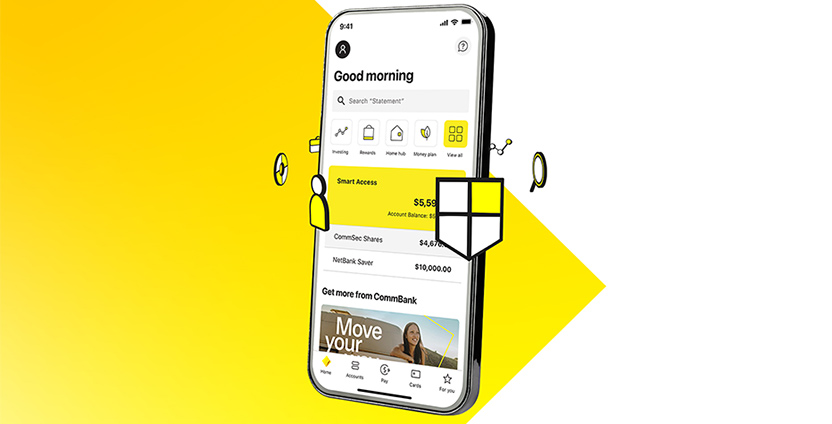
All the basics at the touch of a finger, plus more.
Making your day-to-day simple, quick and secure - paying someone, transferring money, managing your cards and bills, all on the go. At the same time keeping you aware of your spending patterns and helping you stay in control – all unique to the CommBank app.
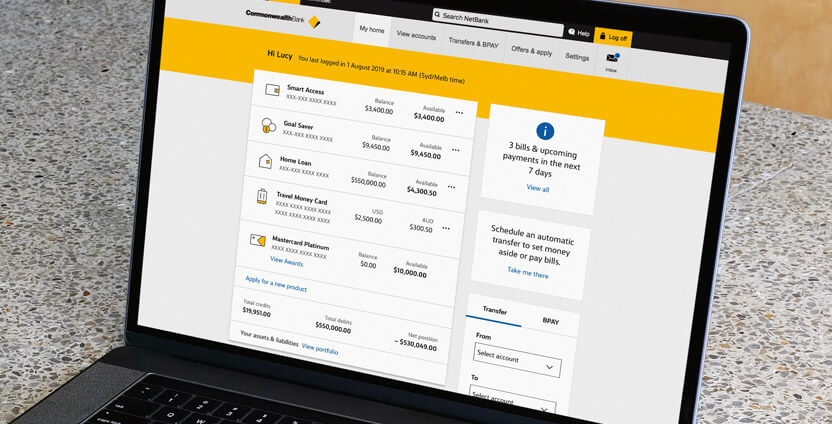
A secure, online place for you to manage your finances, best accessed on your laptop or desktop.
Where you can get a ‘big picture’ overview of your finances and explore all the day-to-day details too.
Ideal for speedy tasks and those that take more time.
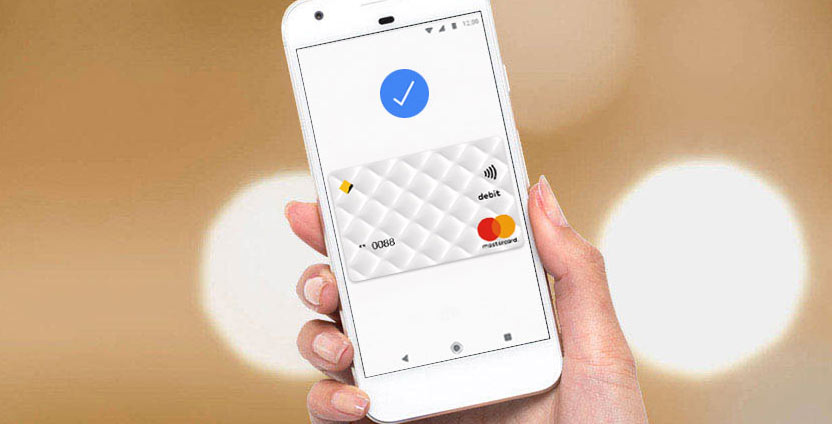
Wherever you are, whatever you’re doing, you can now use your compatible phone or wearable2 to make secure, cashless payments.
Get instant help from Ceba in the CommBank app or connect with a specialist who can message you back. You’ll need CommBank app notifications turned on so you know when you’ve received a reply.
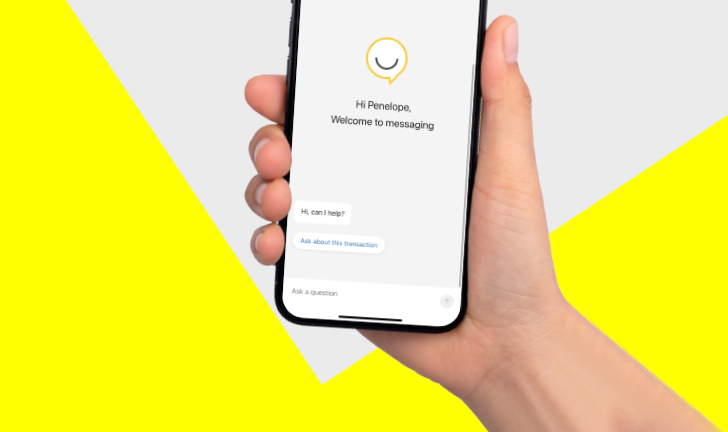
Ceba (see-bah) is our sophisticated chatbot trained to give you in-the-moment, digital support in the CommBank app. Not to be confused with our live chat, where you have an online conversation with one of our team.
Ceba can answer your questions, show you how to do simple banking tasks or connect you with a specialist.
1 The Canstar 2023 Bank of the Year Award was received in June 2023 for Digital Banking. For more information visit www.canstar.com.au.
Samsung Pay and Google Pay are free to download however your mobile network provider may charge you for accessing data on your phone.
2 Google Pay is currently available for Android running 5.0 (Lollipop) or higher with a Near Field Communication (NFC) antenna and Host Card Emulation (HCE) support. Full terms and conditions available on the Google Pay app.
Samsung Pay is available on Samsung Galaxy S6 and above, Note5, Note8, A5, A7, J5 Pro and J7 Pro phones and Samsung Gear S2 and above and Sport wearables. Full terms and conditions available on the Samsung Pay app.
A Visa or Mastercard debit card attached to an Australian bank account is required to use the Beem It app. Digital Wallet Pty Ltd ABN 93 625 272 475 is the issuer and provider of the Beem It facility.
Before downloading the app please consider the Product Disclosure Statement and Terms and Conditions, available at www.beemit.com.au. As this advice has been prepared without considering your objectives, financial situation or needs, you should, before acting on it, consider the facility's appropriateness to your circumstances.
Full terms and conditions available on the CommBank app. The CommBank app is free to download however your mobile network provider charges you for accessing data on your phone. Find out about the minimum operating system requirements on the CommBank app page. Terms and conditions are available on the app. NetBank access with NetCode SMS is required.