

Help & support
You can change your password in NetBank and the CommBank app
The 'Remember my client number' option can save you time when you want to log on from a desktop computer. It’s important to only use this feature on private computers that only you access – never use this feature on public or shared computers.
You can opt out of the 'Remember client number' feature at any time by deselecting the option from the NetBank log on page.
See the risks of short passwords using easily identifiable information and why you should create and use longer, stronger passphrases.
See the risks of short passwords using easily identifiable information and why you should create and use longer, stronger passphrases.
Message us immediately if you're worried about the security of your account. Our virtual assistant Ceba can help you lock your card or securely connect you to a specialist.
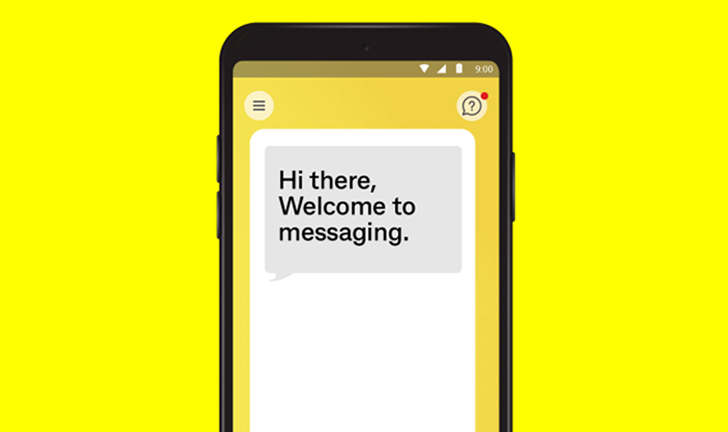
Ceba can help you lock your card or securely connect you to a specialist in the CommBank app.
Fast-track your call, see expected wait times and connect with a specialist in the CommBank app.
Send us a copy or screenshot if you receive a hoax email or SMS.
As the advice on this website has been prepared without considering your objectives, financial situation or needs, you should, before acting on the advice, consider its appropriateness to your circumstances.


