Help & support
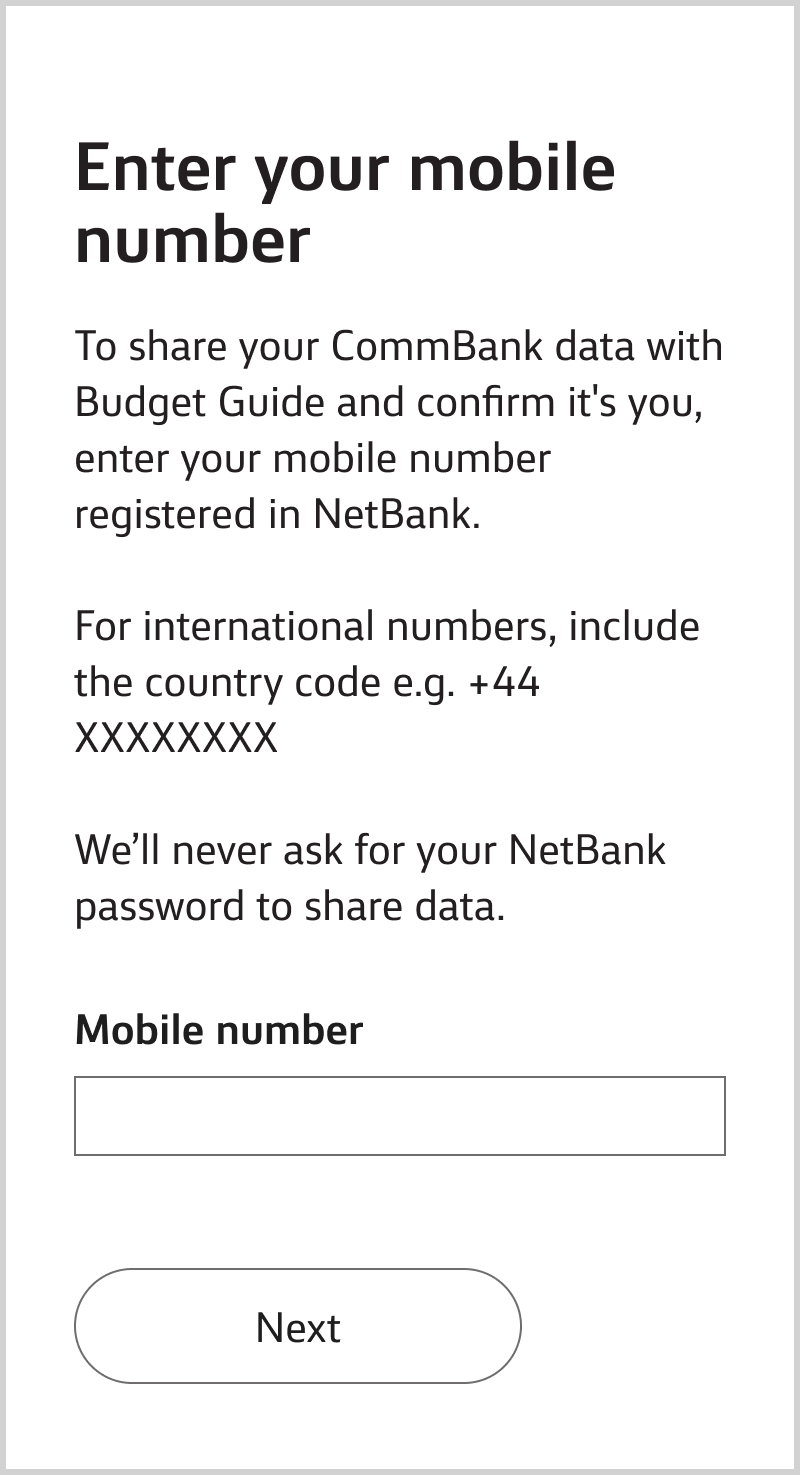
Enter the mobile number you’ve registered and we’ll send you a One Time Password. We may ask you for the last 4 digits of your NetBank ID to help us identify you.
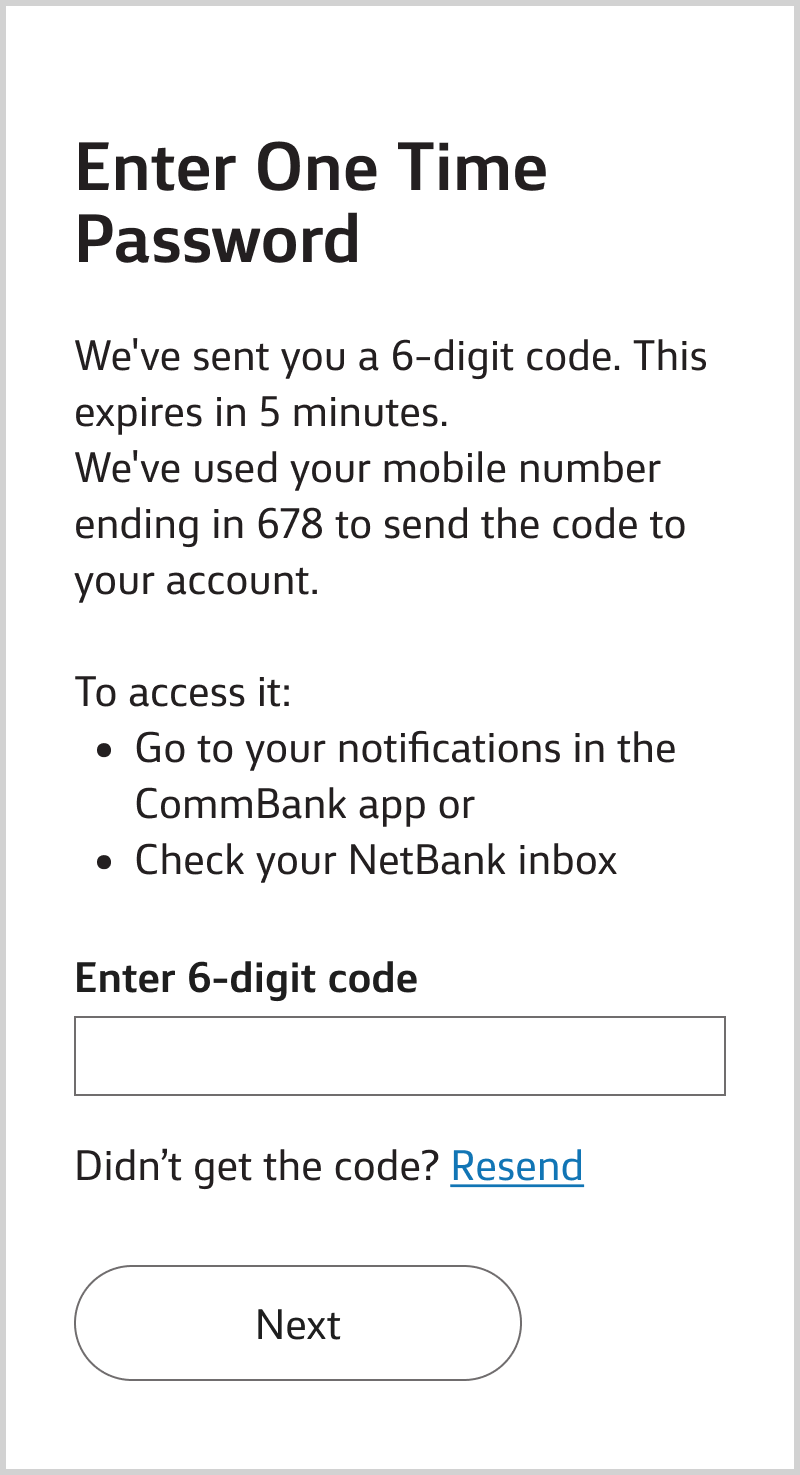
Go to your notifications in the CommBank app or check your NetBank inbox and enter the password.
If you don’t receive it, call 13 2221.
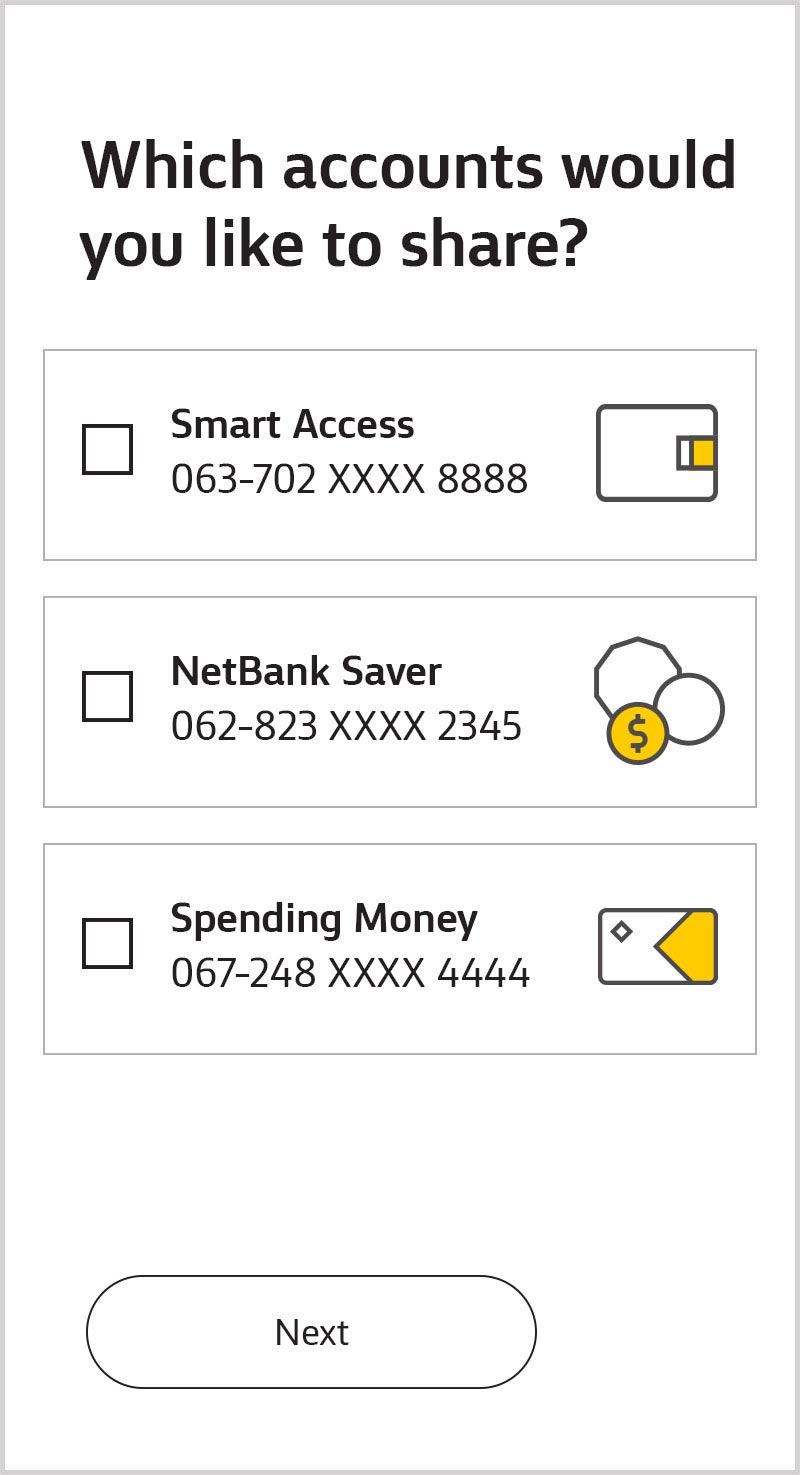
Choose the accounts you’d like to share. If a joint account is enabled for data sharing, you’ll be able to select it, otherwise you’ll need to enable it first (see below).
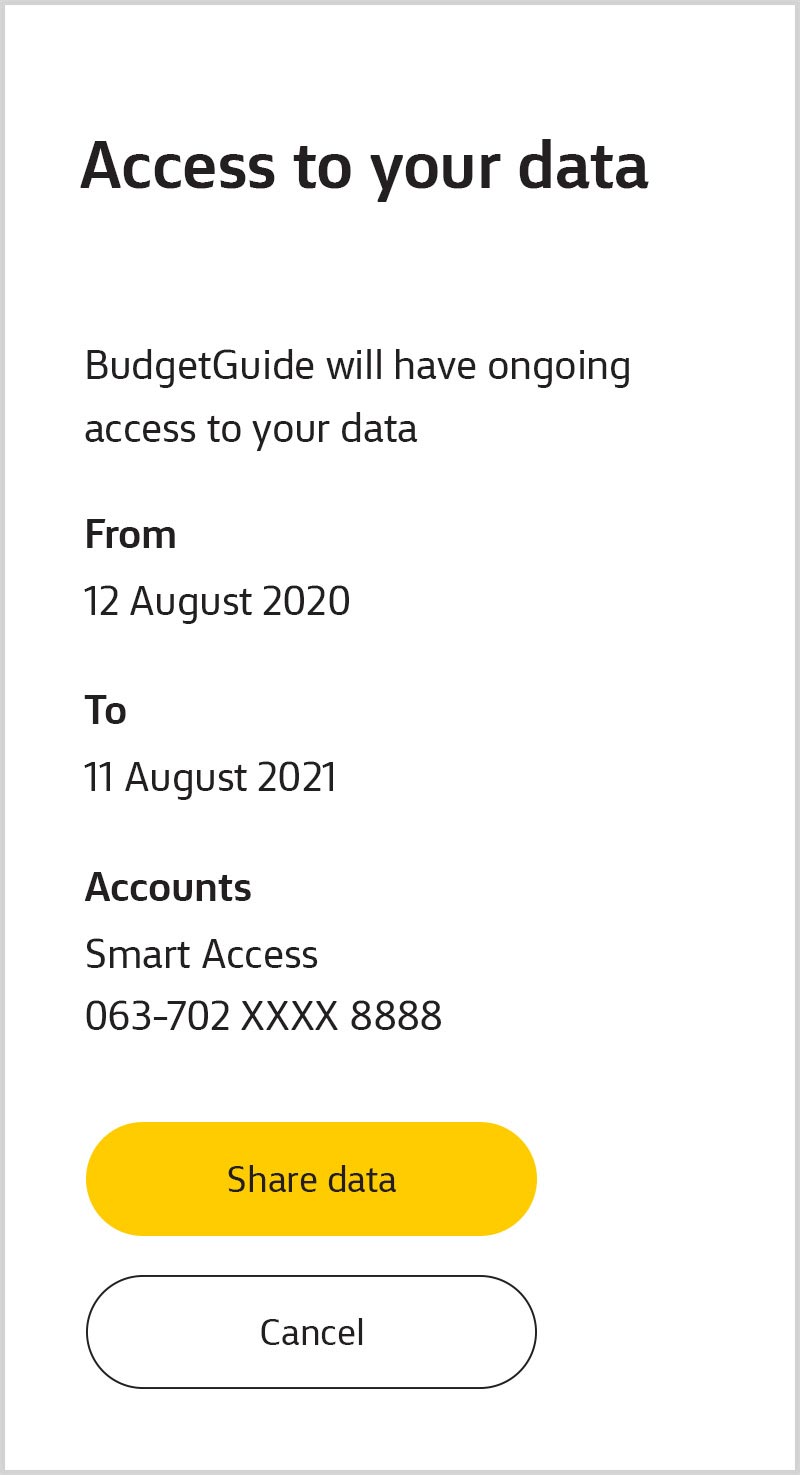
Review the details and confirm you'd like to share. We’ll take you securely back to the accredited organisation you started on.
To be eligible, you must be:
To view details or stop sharing, you or a data sharing delegate can log on to NetBank and go to Settings, Manage data sharing, then “Setting up data sharing delegates”.
Need access to your data sharing records? Call 13 2221
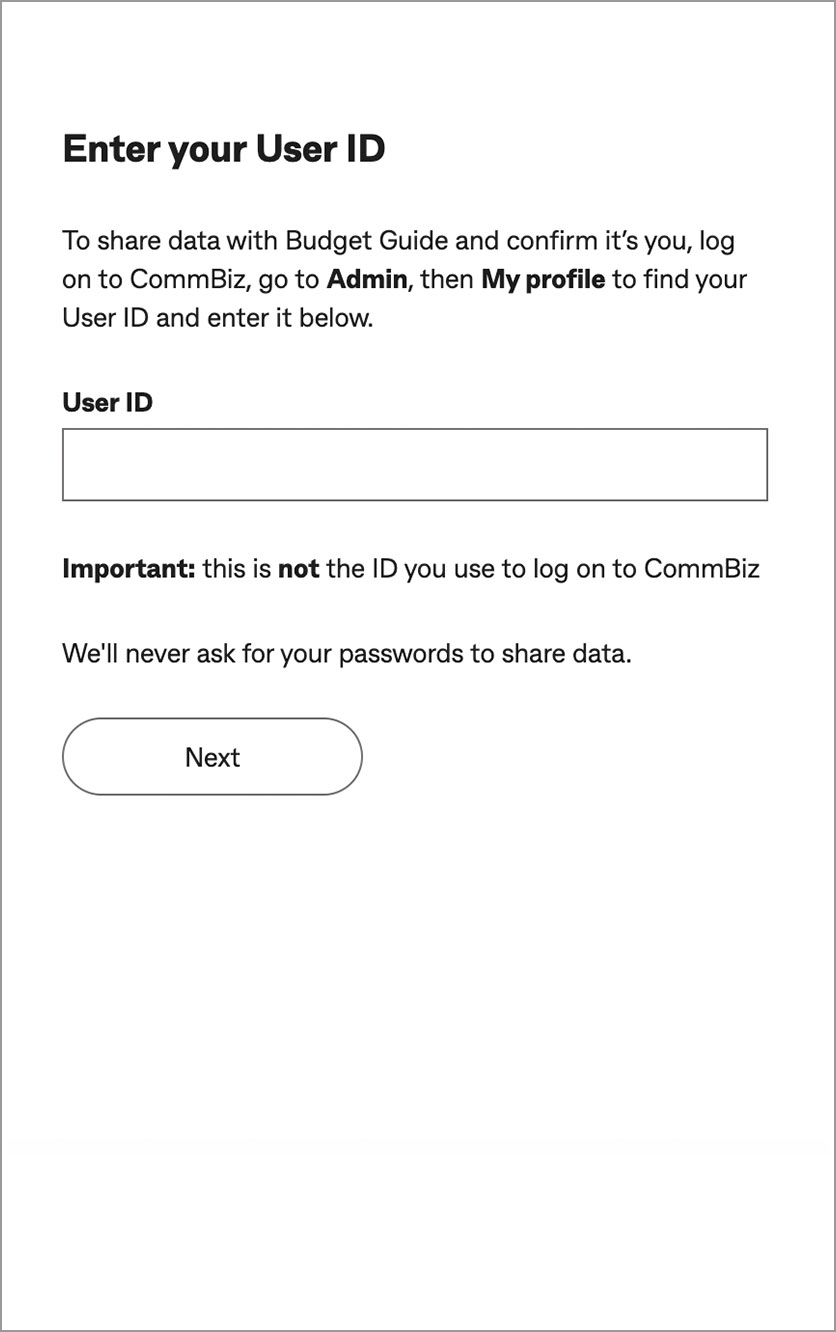
Enter your User ID and we’ll send you a One Time Password.
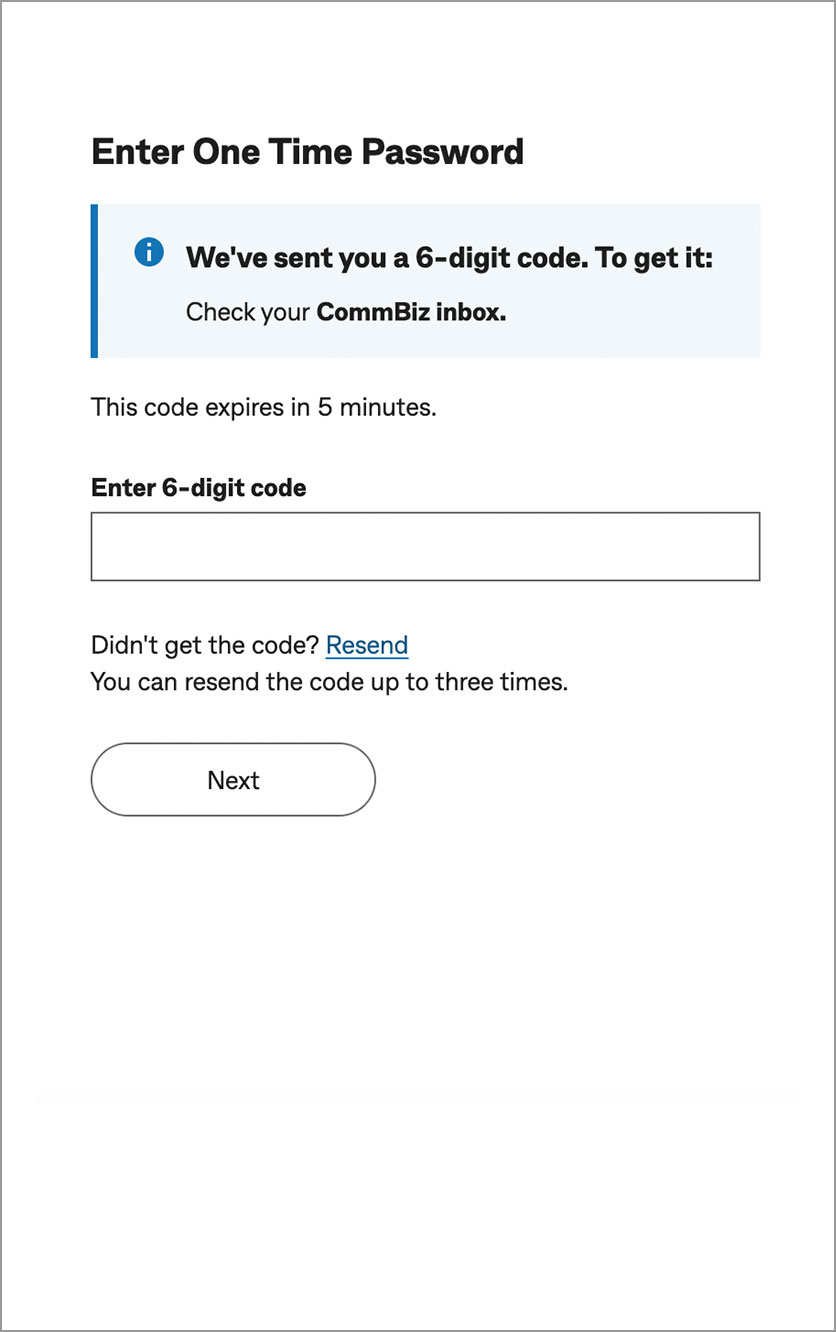
Go to notifications in your CommBiz inbox and enter the password.
If you don’t receive it, call 13 2339.
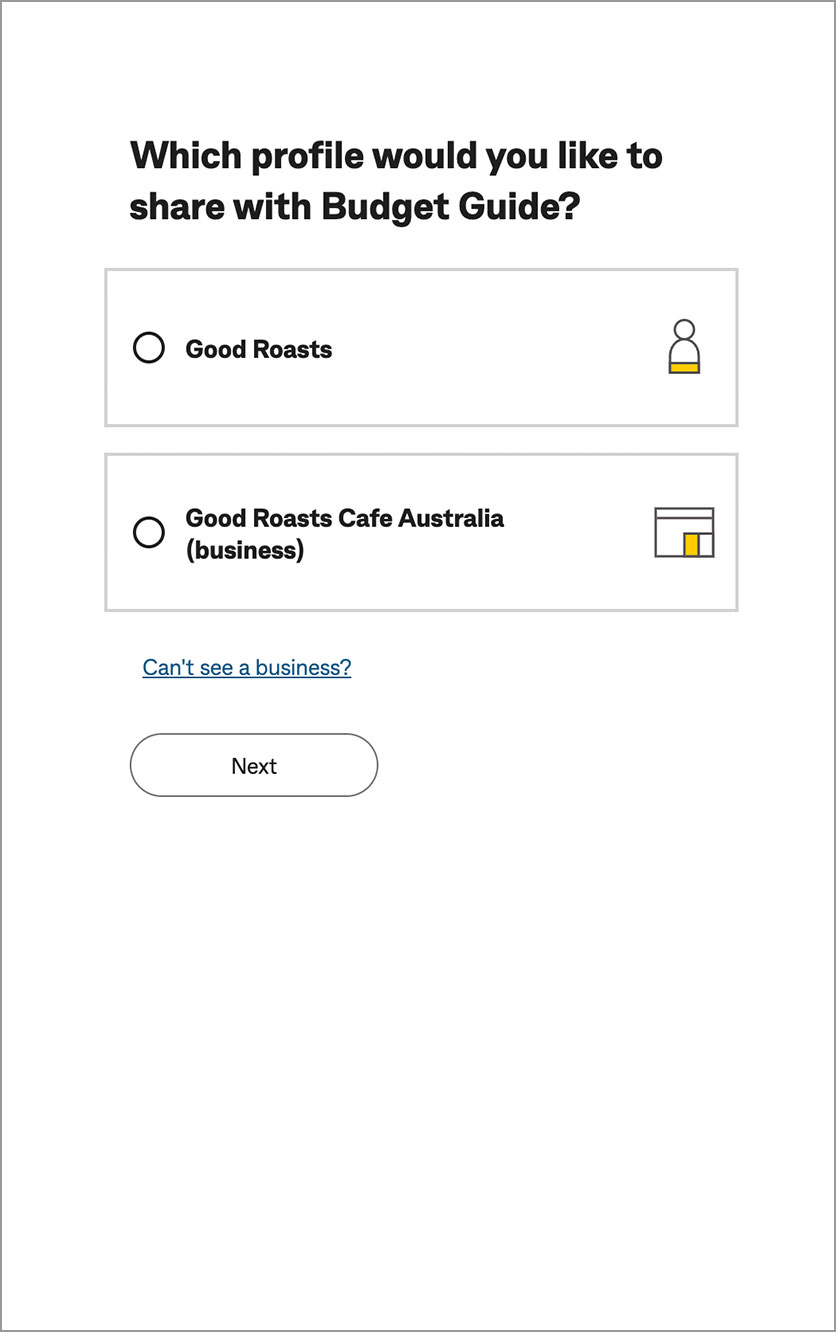
Choose the profile you’d like to share data for and then choose the accounts you'd like to share.
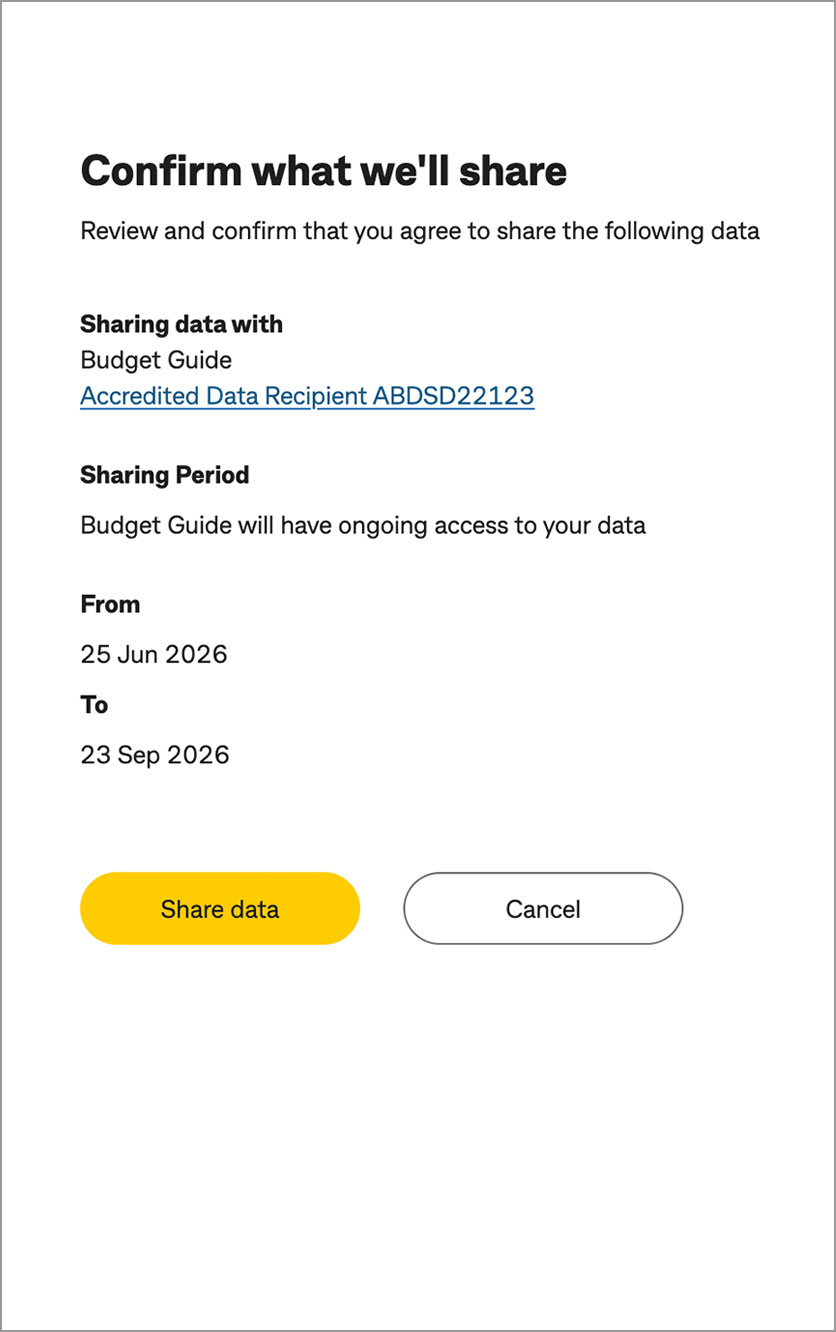
Review the details and confirm you'd like to share. You’ll then be taken securely from CommBiz back to the accredited organisation.
To be eligible for data sharing, you:
To view details or stop sharing, you or a data sharing delegate can log on to CommBiz and go to “Functions”, then “Manage Data sharing”, then “View & manage data sharing”.
Need access to your data sharing records? Call 13 2339.