

Help & support
If you're an individual customer or sole trader, provide your consent on the website or app of the accredited organisation or provider you want to share your CommBank data with first. You’ll then be taken securely to CommBank so you can easily set up data sharing. Here’s a snapshot of the steps:
If you're a business customer, you'll need to set up a data sharing delegate first in Netbank or CommBiz.
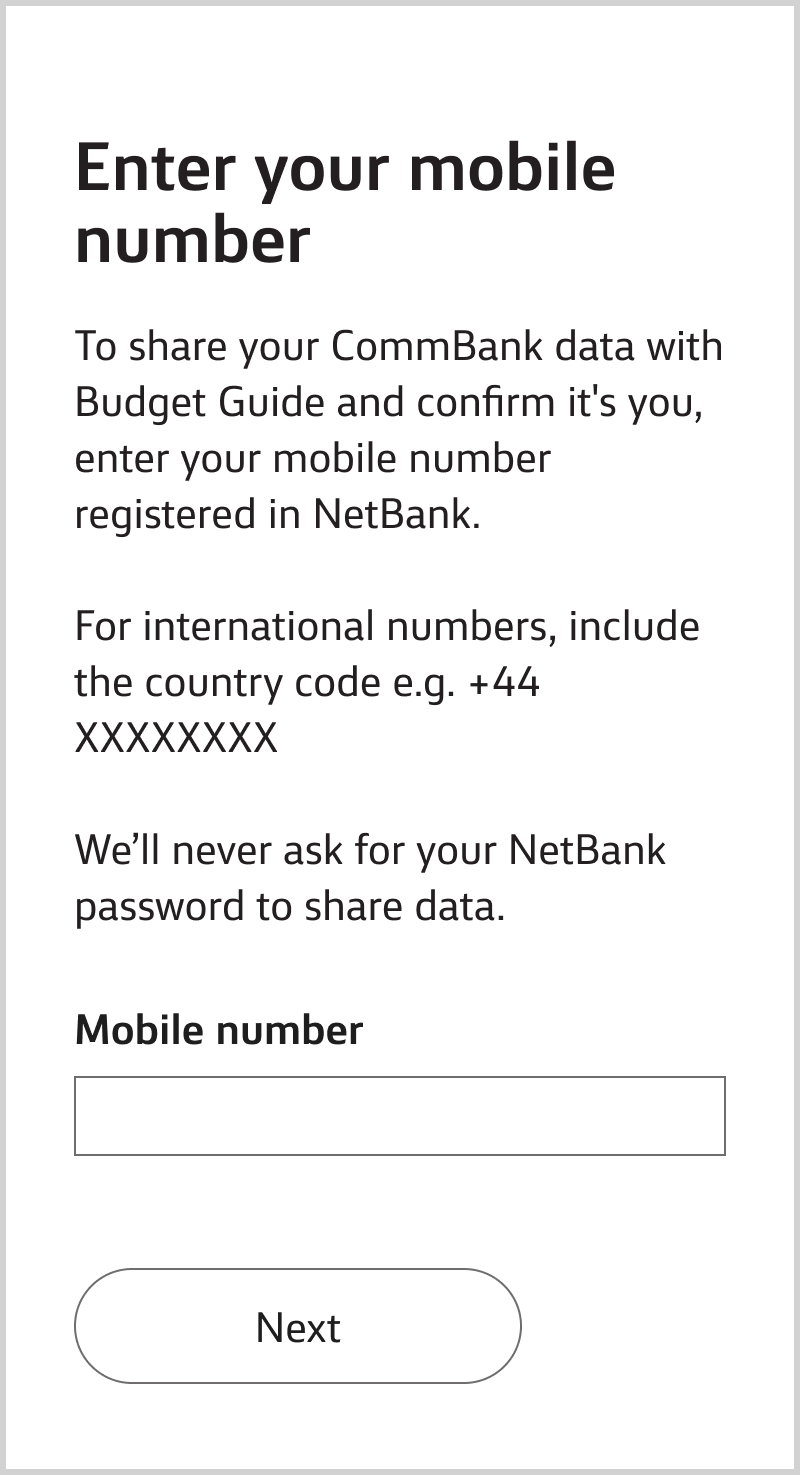
Enter the mobile number you’ve registered and we’ll send you a One Time Password. We may ask you for the last 4 digits of your NetBank ID to help us identify you.
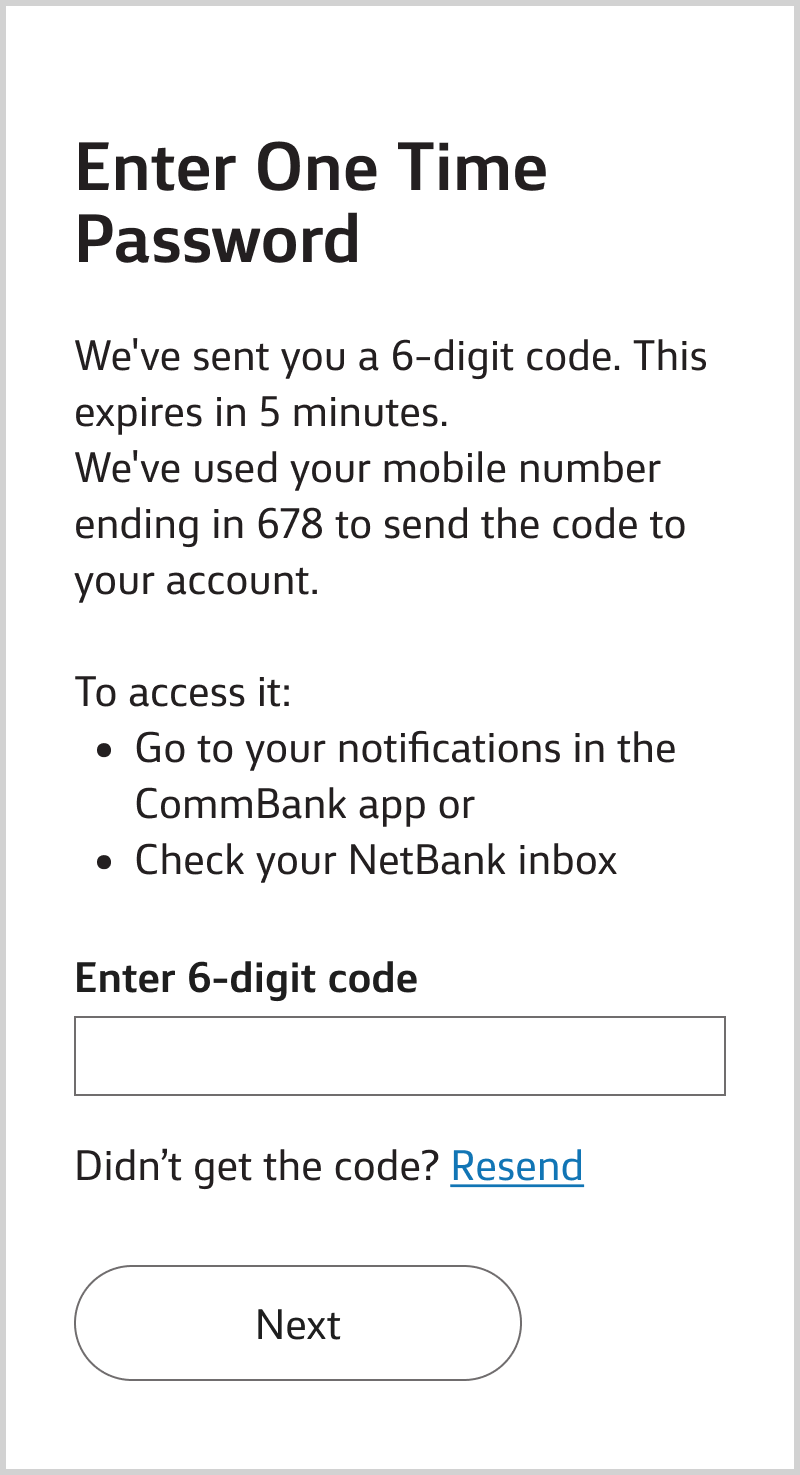
Go to your notifications in the CommBank app or check your NetBank inbox and enter the password.
If you don’t receive it, call 13 2221.
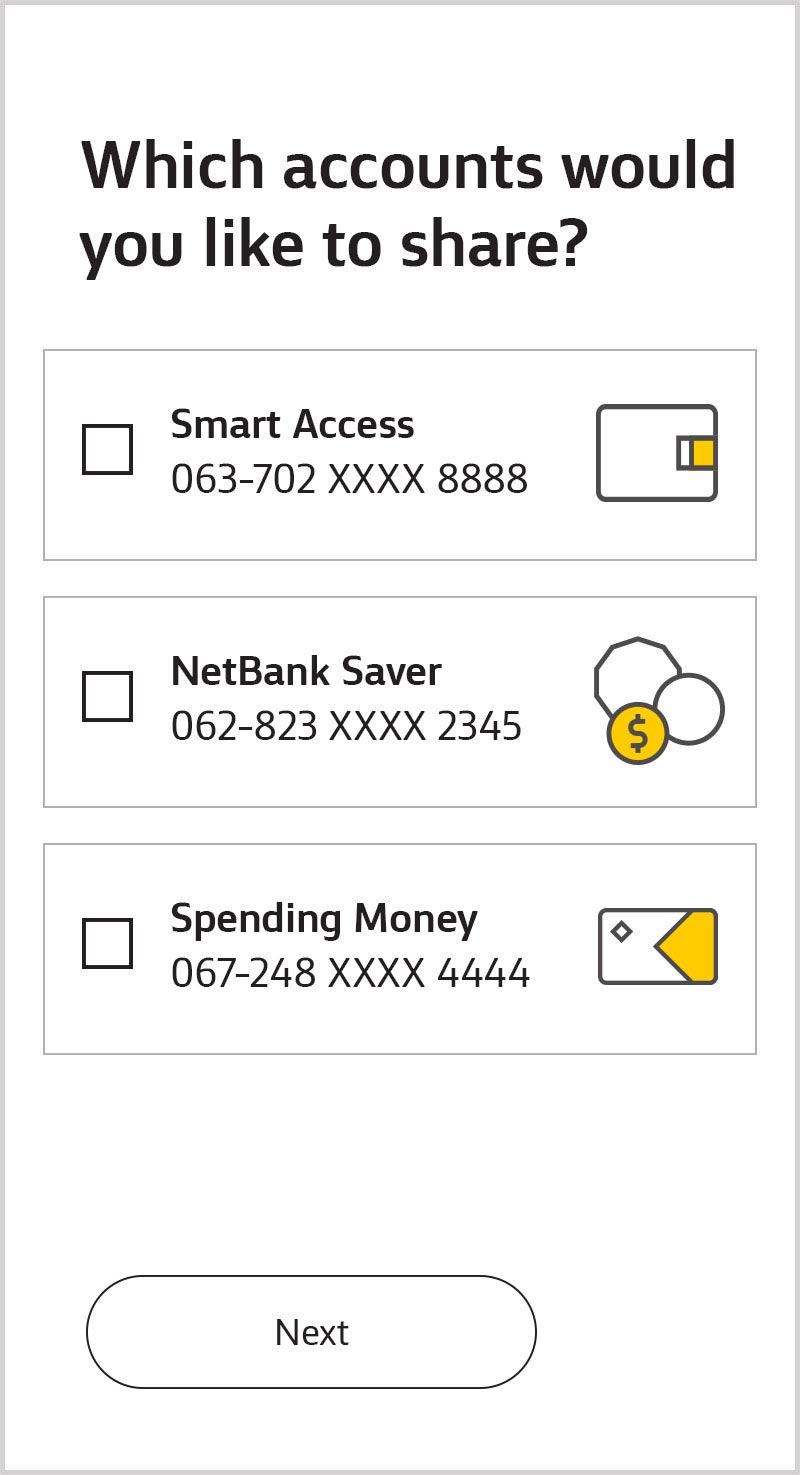
Choose the accounts you’d like to share. If a joint account is enabled for data sharing, you’ll be able to select it, otherwise you’ll need to enable it first (see below).
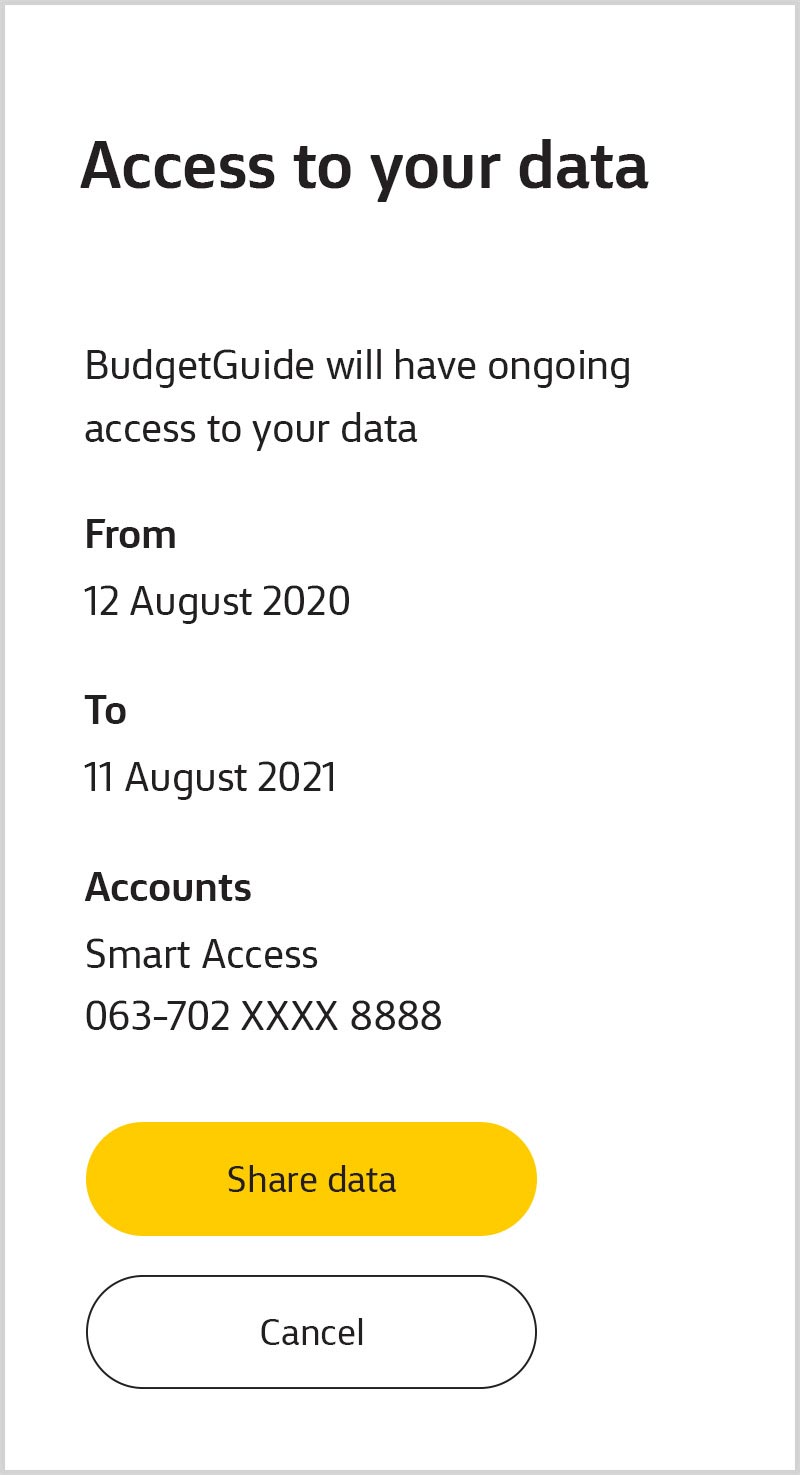
Review the details and confirm you'd like to share. We’ll take you securely back to the accredited organisation you started on.
If you’re using CommBiz, you can find out how it works in CommBiz.
You can choose who can share data with accredited organisations and providers. They'll be able to share without further approval and you'll be able to stop them from sharing any time.
Learn how to set up a data sharing delegate:
Individual customers (and sole traders)
Joint accounts are already set up for data sharing and you won’t need approval from other account holders to share with accredited organisations and providers (unless you or any other account holder disabled your account for data sharing).
You can change your data sharing preferences or stop sharing at any time. If you choose to disable your account, you and all other account holders will need to approve and re-enable it for data sharing.
To enable data sharing:
To be eligible for data sharing, individuals or sole traders must:
To be eligible for data sharing, businesses must:
If you’re having trouble data sharing, call 13 2221.
If you’re eligible, you can now share some of your customer details, account information and transaction history for these CommBank accounts:
You can view details or stop sharing any time by going to Settings, Manage data sharing then Open Banking data sharing.
To request your data sharing records under the Consumer Data Right, call 13 2221.
Organisations accredited by the Australian Competition and Consumer Commission can collect and use your data with your consent. You can also consent to share your CommBank data with providers who will collect it from an accredited organisation. Accredited organisations must adhere to high security standards. CommBank is an accredited organisation.
Data that leaves CommBank is no longer managed by us. See the accredited organisation’s Consumer Data Right Policy for details on how they manage your data. To learn more about how we handle your data, see our Privacy Policy.
We’re working to enable data sharing in CommBiz for some customers who are Individuals, Sole Traders and/or Trading Entities.
What’s happening?
What can I do before a fix is implemented?
* Keep in mind that Corporate Credit Cards, Asset Finance accounts and Cash Deposit accounts are not available on NetBank and are unable to be shared.
If you don’t have NetBank and would like to register you can do this online. Register with NetBank
What’s happening?
We’re working to enable Open Banking data sharing in NetBank and CommBiz for some customers with accounts under certain roles.


