Help & support
Are you saving for a new car, desperate for a holiday overseas or just need some extra money for a rainy day or as an emergency buffer?
Set a savings goal using Goal Tracker and we’ll break it down into weekly targets - so it’s less overwhelming or completely out of reach.
We’ll also help you set up automatic payments to your goal so you never miss your weekly targets and can top up your goal when it suits you. If you go off track, we’ll show you how to top up your goal or adjust it.
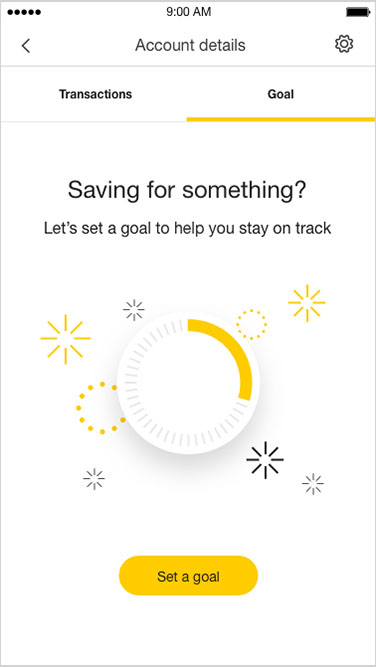
Log on to the CommBank app and tap your savings account
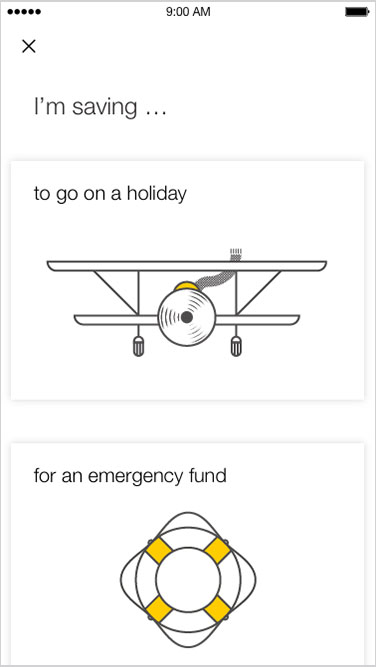
Create a goal e.g. new car, overseas holiday using Goal Tracker
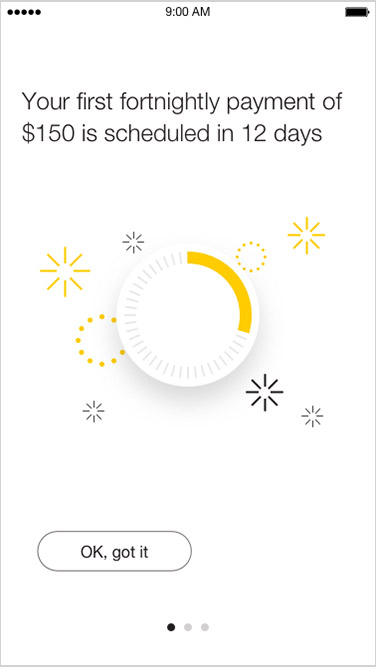
Set up automatic payments from your everyday account into your savings goal
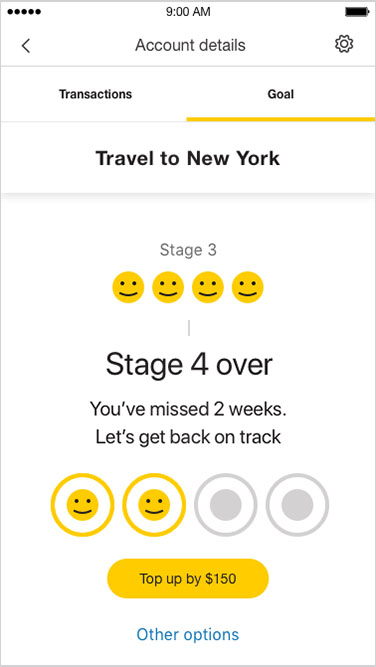
We’ll help you track your progress so you smash your goal (no spoiler alert – wait to see what happens when you reach your goal)
Unexpected expenses are an inescapable fact of life and can impact your everyday finances.
Emergency Savings in Goal Tracker helps you build up a buffer so you’re better prepared.
Tap on your NetBank Saver or GoalSaver account to create an emergency fund goal.
The CommBank app is free to download however your mobile network provider charges you for accessing data on your phone. Find out about the minimum operating system requirements on the CommBank app page. Terms and conditions are available on the app. NetBank access with NetCode SMS is required.
Terms and conditions for GoalSaver and NetBank Saver accounts are available from commbank.com.au or from any branch. As this advice has been prepared without considering your financial objectives, considerations or needs, you should, before acting on the advice, consider its appropriateness to your circumstances.