Help & support
Check your policy, start a claim, or get support when you need it.
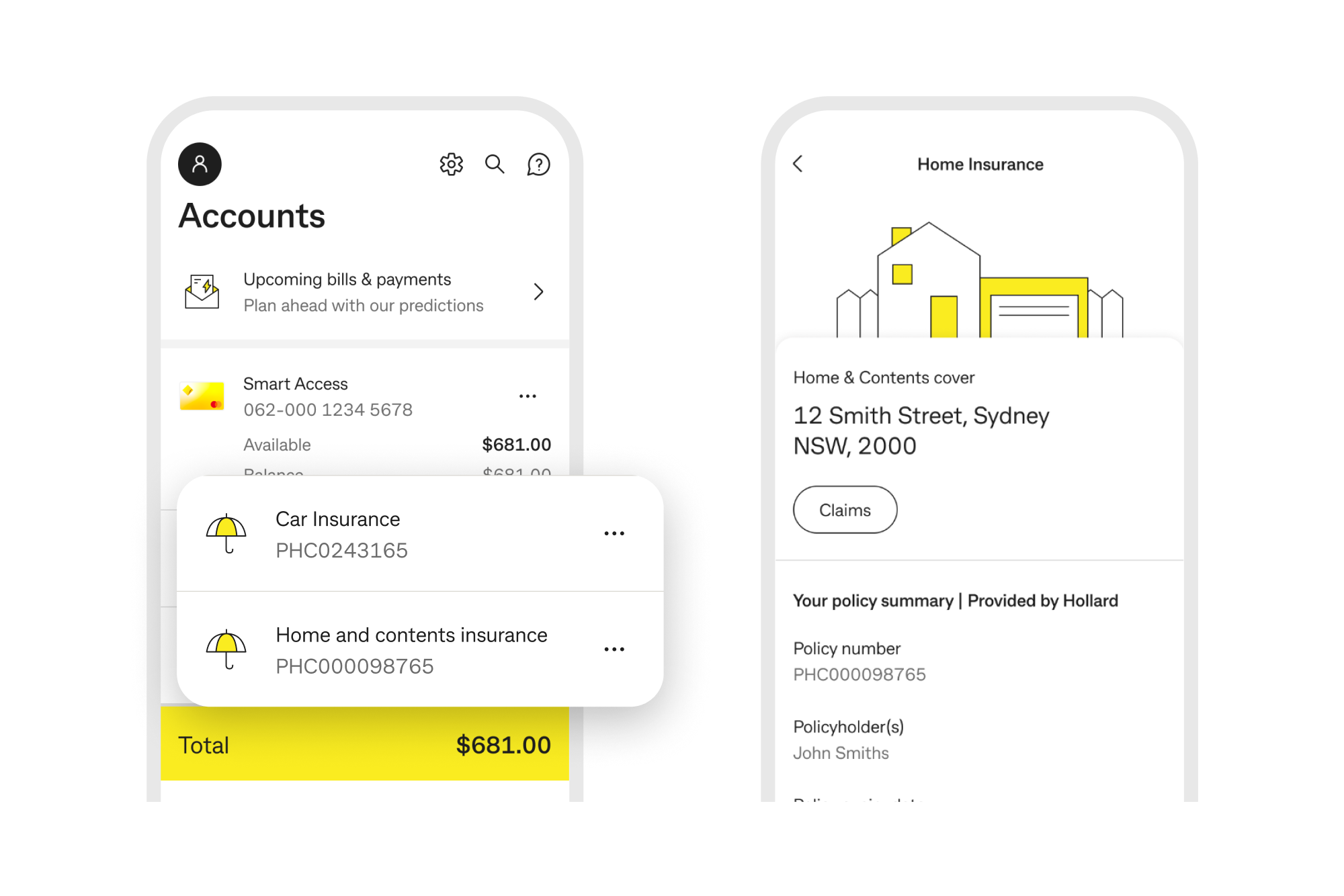
Find your insurance policy in the CommBank app or NetBank. Make updates and changes by calling Hollard on 13 1361.
View your policy details anytime in the CommBank app or Netbank.
To make changes, call 13 1361.
View policy documents, including the Product Disclosure Statement.
Understanding insurance
From basics to helpful tips, explore articles designed to make insurance easier to understand.
Emergency assistance
Support may be available for customers impacted by natural disasters or unforeseen events.
When the unexpected happens
Call 13 1361 to make changes to your existing policy.
Chat with a Hollard insurance specialist from 8am – 7:30pm Mon to Fri (Syd/Melb time).
If you're having trouble paying your premium or going through a tough time, we're here to support you. You can view:
Image for illustration only*
Only CommBank customers who have a NetBank ID can view their policy on the CommBank app or NetBank.
If you don’t have a NetBank ID, please call 13 1361 to check or change your policy details.
To make any changes to your policy, call 13 1361 between 8am - 8pm, Mon - Fri and 8am - 5pm Sat (Sydney/Melbourne time), or +61 2 8527 5217 from overseas.
You can make changes to your policy over the phone, such as:
You can lodge a claim online in the My Claims Portal or call 13 1361 to lodge your claim over the phone. To start your claim, you will be asked details about the event including the loss or damage sustained, and information about anyone else involved. You can provide additional details later if you don’t have all information at the time of lodging your claim.
Learn more about making a claim here:
Distributed by Commonwealth Bank
* The screenshot is for illustration only. What you see in the app may look a little different depending on when you purchased your policy, as we regularly make updates.
Home Insurance, Landlord Insurance and Car Insurance are provided by Hollard Insurance Partners Limited ABN 96 067 524 216, AFSL 235030 (Hollard) and distributed by the Commonwealth Bank of Australia ABN 48 123 123 124, AFSL 234945 (CBA). Hollard is the insurer of these general insurance products. Hollard is not part of the CBA Group. CBA does not guarantee the obligations or performance of Hollard or the products Hollard offers. Neither CBA, nor any of its related bodies corporate accepts liability or guarantees payment of any claim or benefit in respect of these general insurance products issued by Hollard. CBA may be paid a commission if Hollard issues you with a Home, Landlord and/or Car Insurance policy. Details are provided in the Financial Services Guide (FSG) by clicking on the link, or by calling 13 1361 for a paper copy.
For products issued by Hollard, information about the target market can be found within the product’s Target Market Determination.
This information has been prepared without considering your objectives, financial situation or needs. Before making any decision about this product you should consider this information in relation to your own circumstances. A Product Disclosure Statement (PDS) is available at all Commonwealth Bank branches, by downloading them from commbank.com.au or by calling 13 1361 and should be considered before making any decisions about this product. You should also read the Premium, Excess and Discount Guide (PEDG), Key Facts Sheets (KFS) and Financial Services Guide (FSG) by clicking on the links, or by calling 13 1361 for a paper copy.
To find out how Hollard manage your personal information, please see Hollard's Privacy Policy.
Hollard is a signatory to the General Insurance Code of Practice. The objectives of this Code are to:
The Code Governance Committee (CGC) is the independent body that monitors and enforces compliance with the Code. It also aims to drive better Code compliance, helping the insurance industry to improve its service to consumers. For more information about the CGC, or to obtain a copy of the Code, please visit https://insurancecouncil.com.au/cop/ or phone 1300 884 934.