Help & support
From helpful new features to everyday improvements, see what’s new and what the app can do.
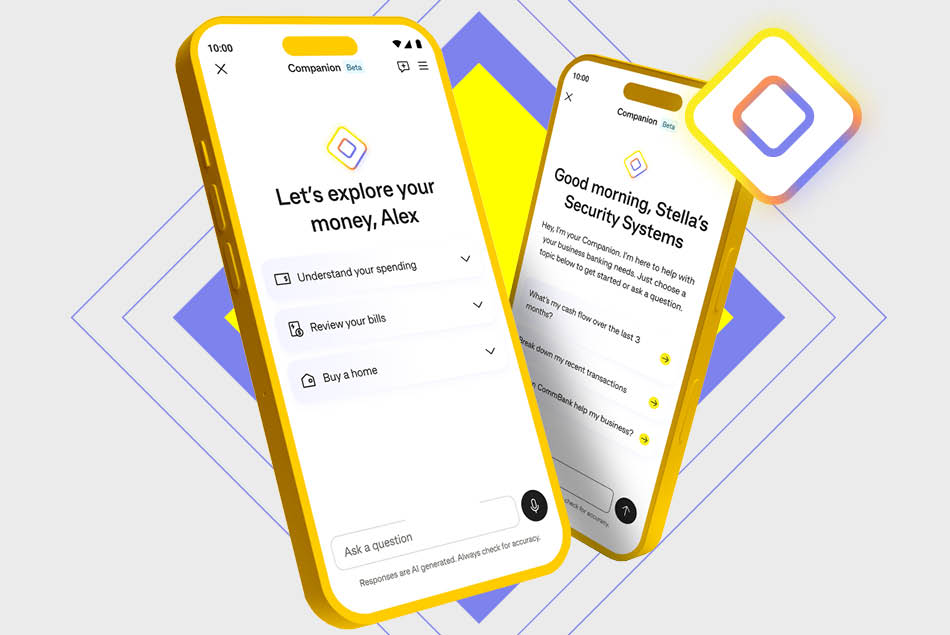
CommBank Companion marks the next evolution in reimagining banking: bringing intelligent AI-powered technology into the CommBank app.
CommBank Companion provides you with information to help you manage your everyday finances and businesses with greater clarity and confidence. Now in testing with select customers.
To sign up, you’ll need:
Setup takes about 10 minutes.
No - you can still download the CommBank app and use select features like cardless cash deposits via QR Cardless3 to eligible CommBank accounts.
Note: You’ll need to verify your identity before getting started.
The app will also log you out automatically after 15 minutes of inactivity (or sooner if you've adjusted your auto log-off settings).
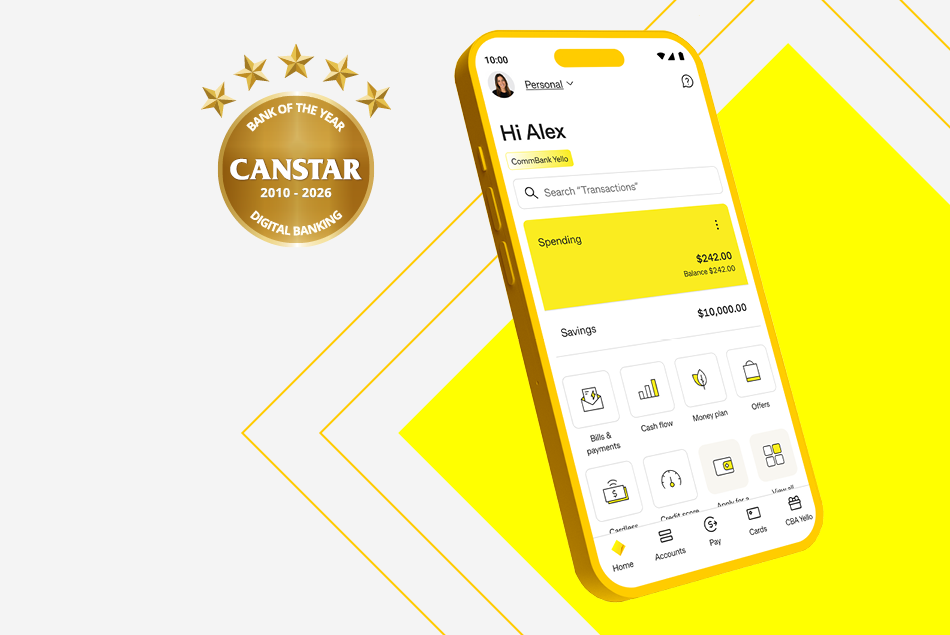
^ Awarded ‘Bank of the Year – Digital Banking’ for 2026 (for the 17th year in a row) by Canstar in May 2026.
1 Users are based on the total number of customers that have logged into the CommBank App at least once in the month of December 2025. The CommBank app is free to download however your mobile network provider charges you for accessing data on your phone. The CommBank app is available on Android operating systems 8.0+ and iOS operating system 15.0+.
2 For security reasons, a hold may apply on first time payments. The delay allows fraud security checks to take place and gives you time to alert us to unauthorised or suspicious activity on your account. Subsequent payments should be received in under a minute. PayID® is a registered trademark of NPP Australia Limited.
3 QR Cardless deposits and QR Cardless withdrawals can only be completed with the CommBank app on CommBank app registered devices at a CommBank ATM (only available to QR Cardless eligible CommBank accounts). Daily deposits and withdrawals limits apply. Full terms and conditions in the CommBank app.
4 You must enable push notifications on your registered device in the CommBank app to receive alert notifications.
5 CallerCheck allows you to verify whether a caller claiming to be from CommBank is legitimate, by sending a secure notification to the CommBank app. Simply ask the caller to use CallerCheck and follow the prompts.
6 Setting savings goals requires a GoalSaver or NetBank Saver in your name only. Terms and conditions for our products and services are available and should be considered before making any decision about whether they are appropriate for you.
7 The new investing experience features and functionality in the CommBank app is only available for CommSec Pocket and individual CommSec Australian Share accounts. Other account types can be viewed through Accounts list, or through CommSec app and platforms. Trading involves risk, including potential loss of your investment. The value of your investment may go down as well as up.
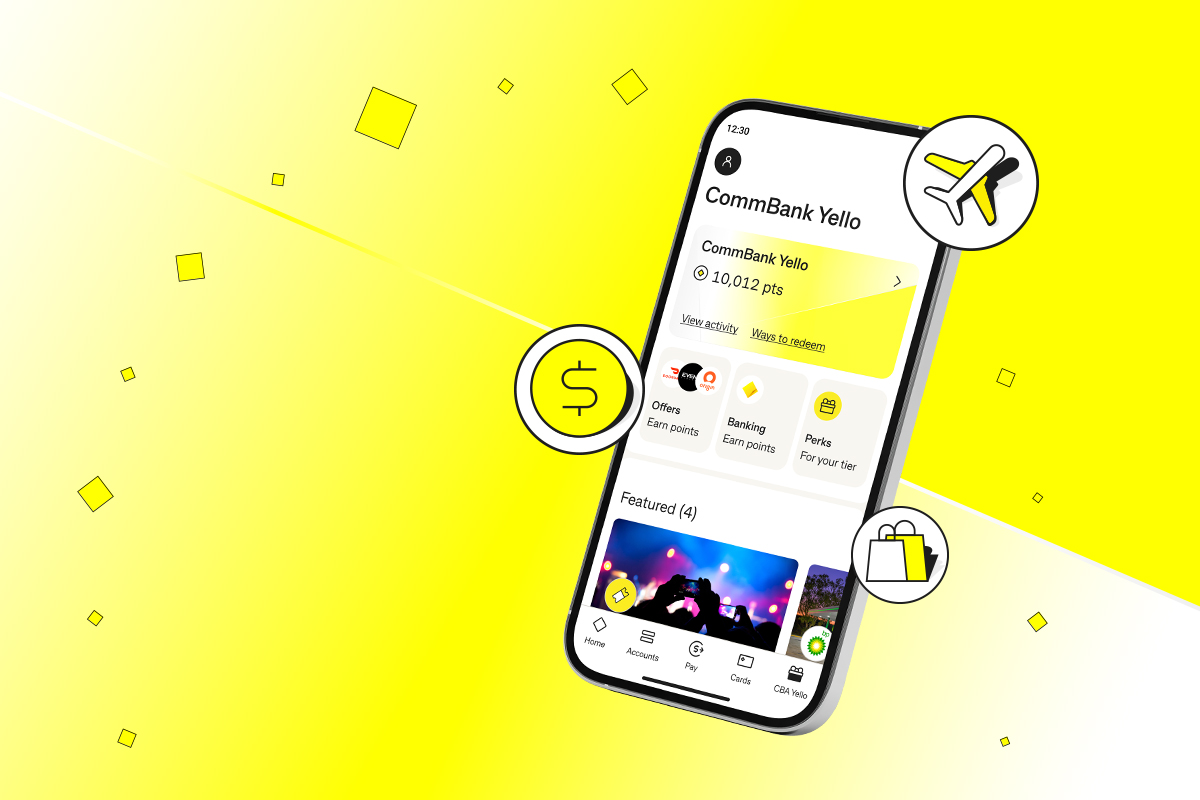
8 Ongoing eligibility conditions apply to CommBank Yello, see commbank.com.au/commbankyello for more information and the full terms and conditions.
9 Travel Booking is provided by Hopper Inc (Hopper). Hopper is not part of the CBA Group. CBA is not responsible for the content on this portal, nor the provision of any of the services that are offered through this portal. The services offered are subject to the Travel Booking Terms and Conditions. CBA does not guarantee the obligations or performance of Hopper or the services it offers.
All travel products and offers from Travel Booking are subject to availability and can only be booked by a holder of an Eligible CommBank Card.
Eligible CommBank Card means an active CommBank retail or business credit and debit cards, StepPay card or Travel Money Cards.
Customers are responsible for reviewing and accepting the terms and conditions of Hopper Inc. and any relevant provider (e.g. Airline, Hotel, Car company) before confirming a booking.
For more information, read the full Travel Booking Terms and Conditions.
CommBank will receive a portion of the revenue generated from the Travel Booking platform.
Apple, the Apple logo & iPhone are trademarks of Apple Inc, registered in the U.S. and other countries. App Store is a service mark of Apple Inc. Google Play and Android are trademarks of Google Inc. Windows is a registered trademark of Microsoft Corporation in the United States and other countries.
As this information has been prepared without considering your financial situation, objectives or needs, you should, before acting on the information, consider its appropriateness to your circumstances. Terms and conditions for the app and our products should be considered before making any decision. Fees and charges may apply. Commonwealth Bank of Australia ABN 48 123 123 124 Australian credit licence 234945.