Help & support

Last updated: 23 October 2026
Shop online with confidence and enjoy a fast, secure checkout experience across our participating retailers.
Use Click to Pay with your CommBank card whenever you see the icon.

Event Cinemas
Play HQ
Reading Cinemas
Sydney Zoo
Village Cinemas
Ceres Life
Cotton On
Cotton On: Body
Factorie
Michael Hill
Supre
Swarovski
Teva
Typo
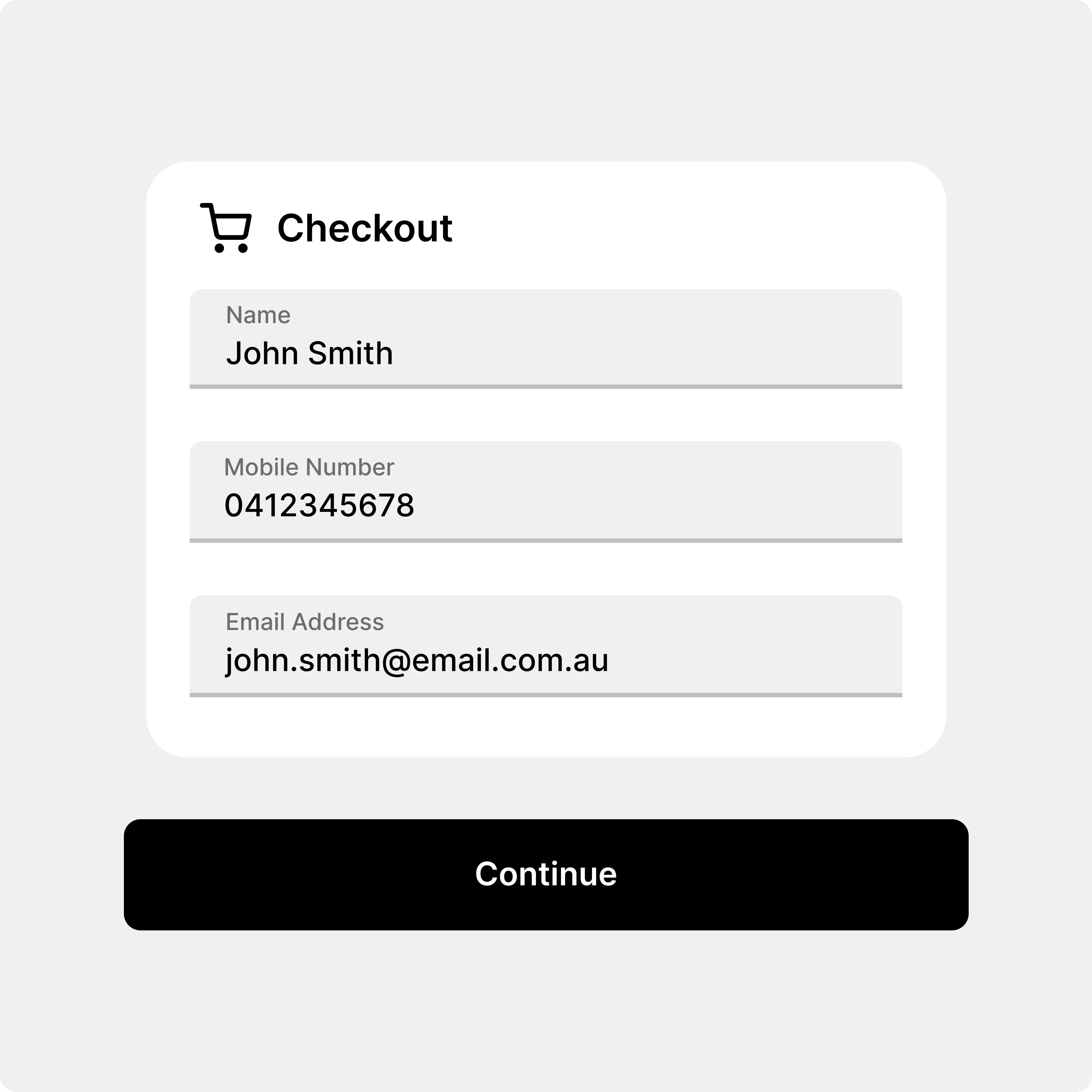
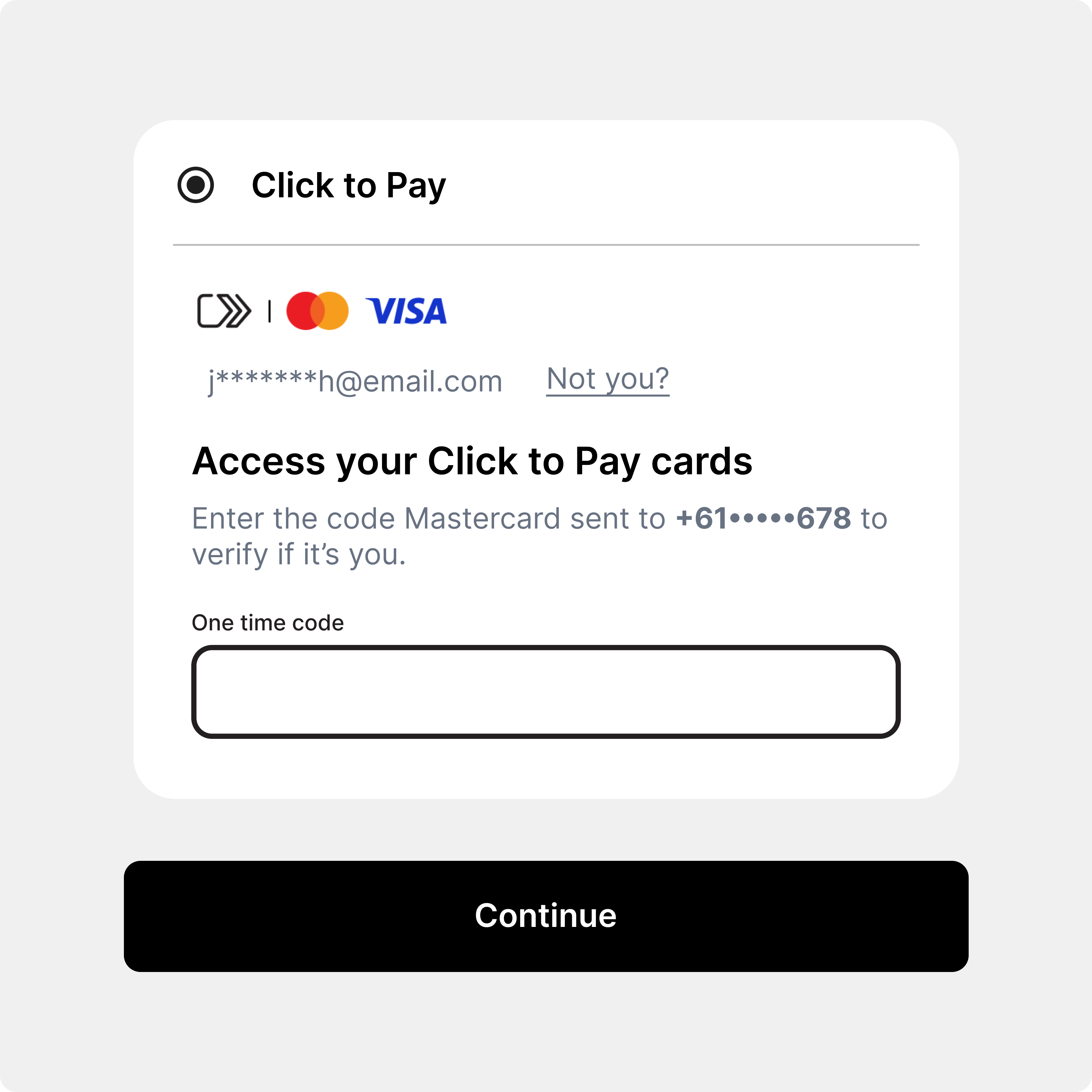
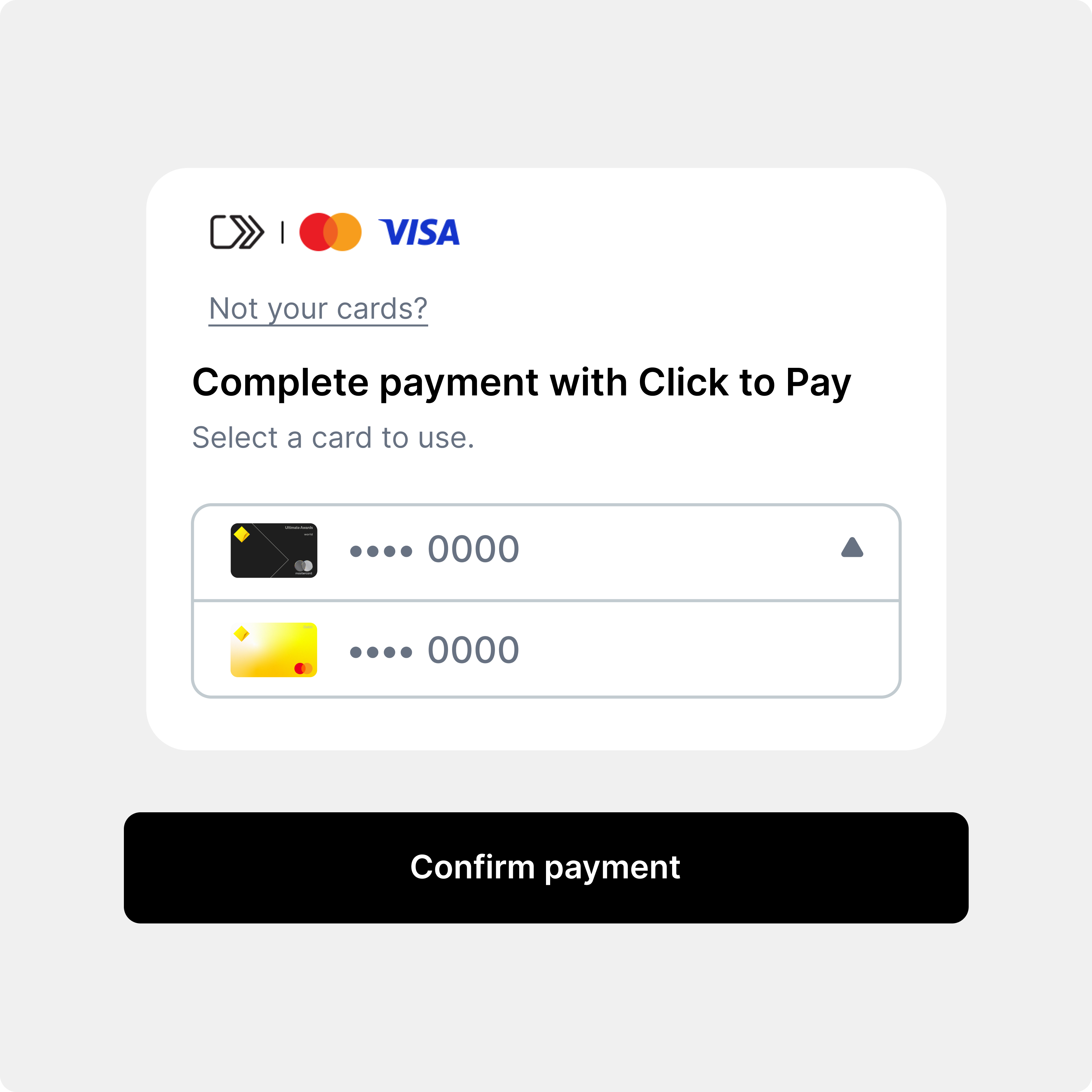
You can use Click to Pay wherever Click to Pay is supported and you see the Click to Pay icon when online shopping by following these steps:
Enter your Click to Pay email and phone number at checkout.
You’ll receive a one-time code from Mastercard or Visa. Choose “remember me” on your trusted devices & skip this step for future purchases from the same device and browser.
Choose your preferred card you want to pay with.
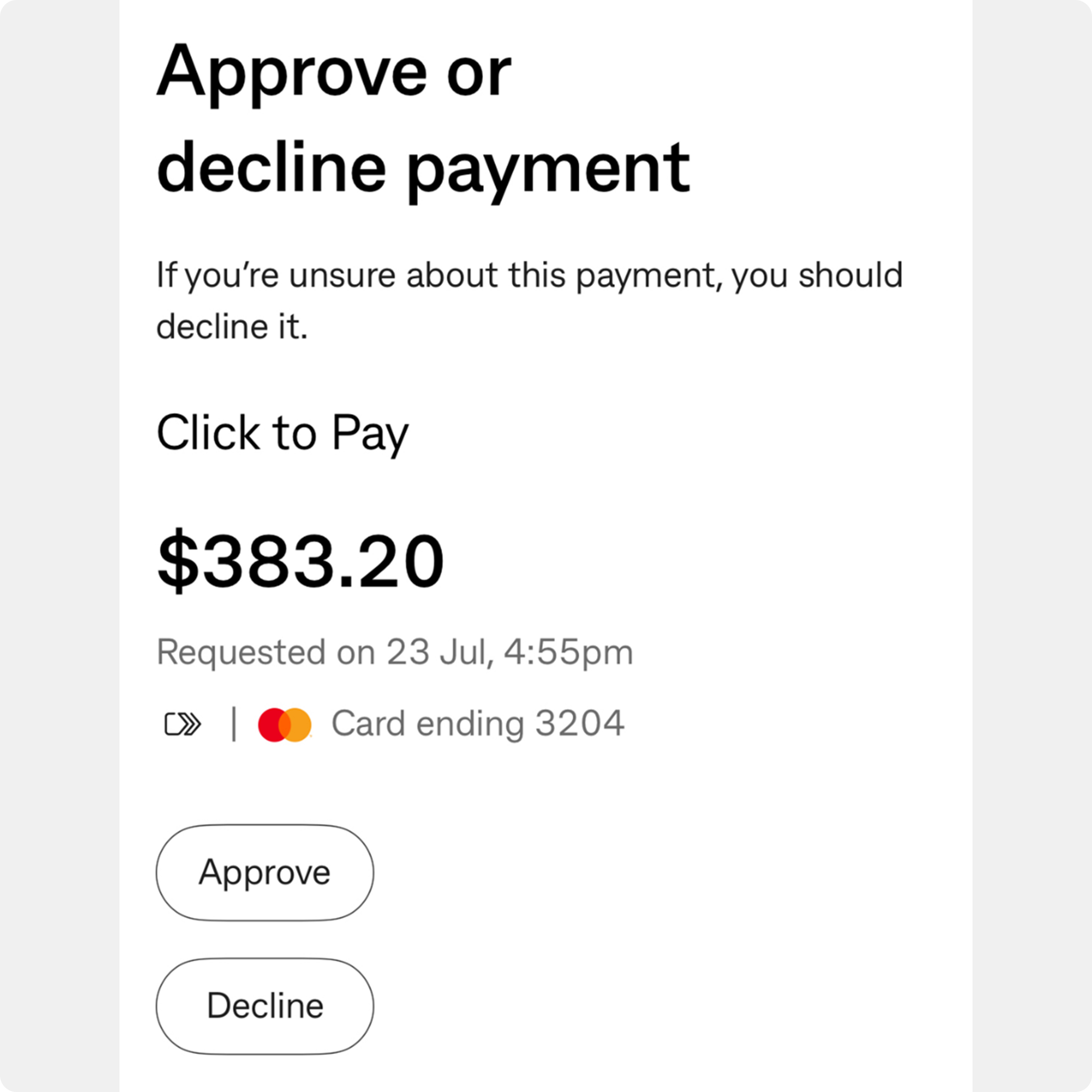
For added security, the first transaction will require authorisation by you within the CommBank app (as shown in the image below).
Participating merchants may change from time to time. This list is updated periodically and may not reflect the most current information.
To view your eligible CommBank card(s) log on to the CommBank app, tap Cards, tap Click to Pay and then Manage cards.
As this information has been prepared without considering your objectives, financial situation or needs, you should, before acting on this information, consider its appropriateness to your circumstances.
Please read our Financial Services Guide. View full terms and conditions for Electronic Banking. View full terms and conditions for the CommBank App.
Mastercard’s Click to Pay terms and Privacy Notice apply. Check Mastercard’s Click to Pay on mastercard.com.au for more information.
Mastercard, the Mastercard brand mark and the circles design are registered trademarks of Mastercard International Incorporated.
The Click to Pay icon is a trademark owned by EMVCo, LLC.
Commonwealth Bank of Australia ABN 48 123 123 124 AFSL and Australian credit licence 234945.