Help & support
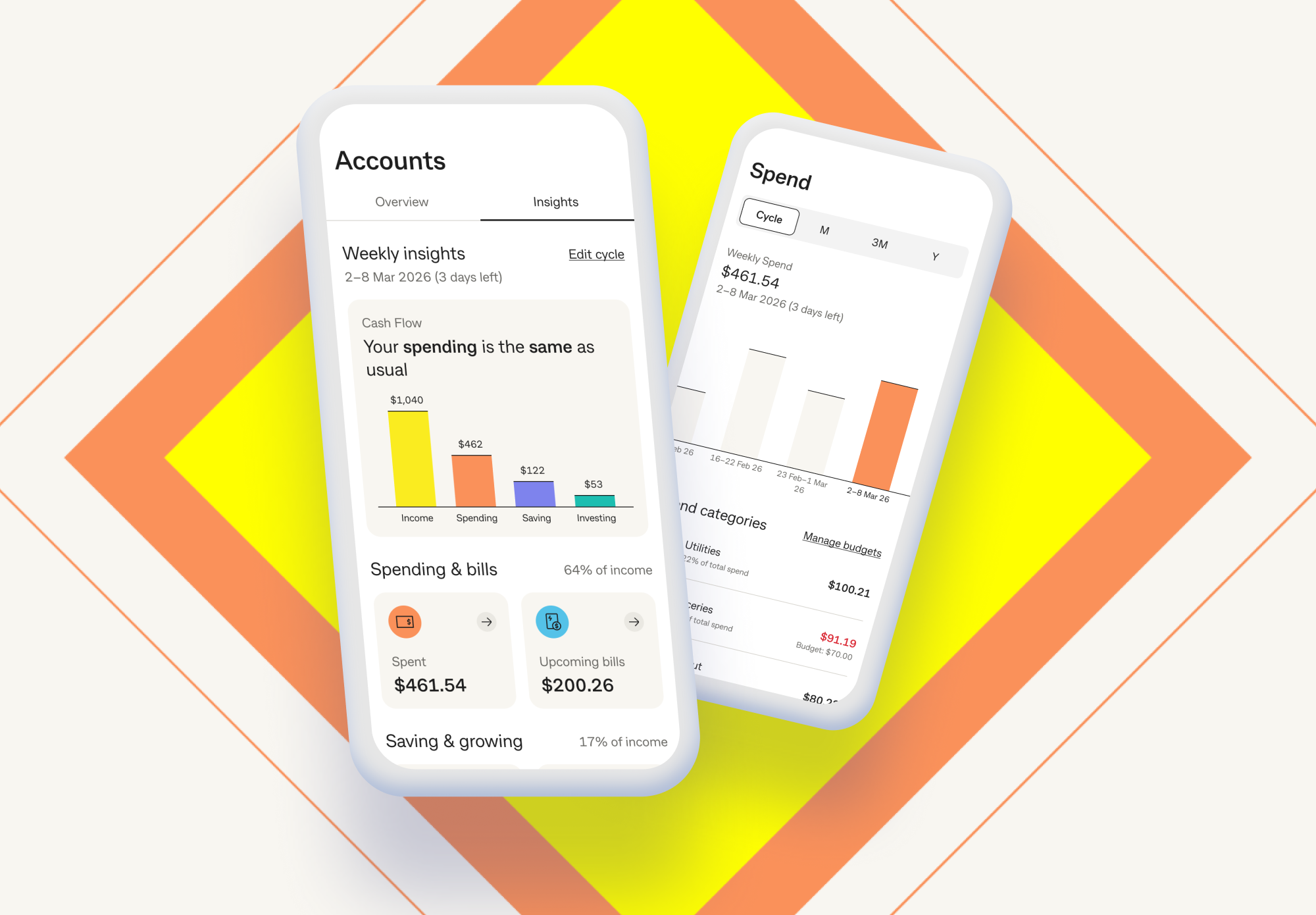
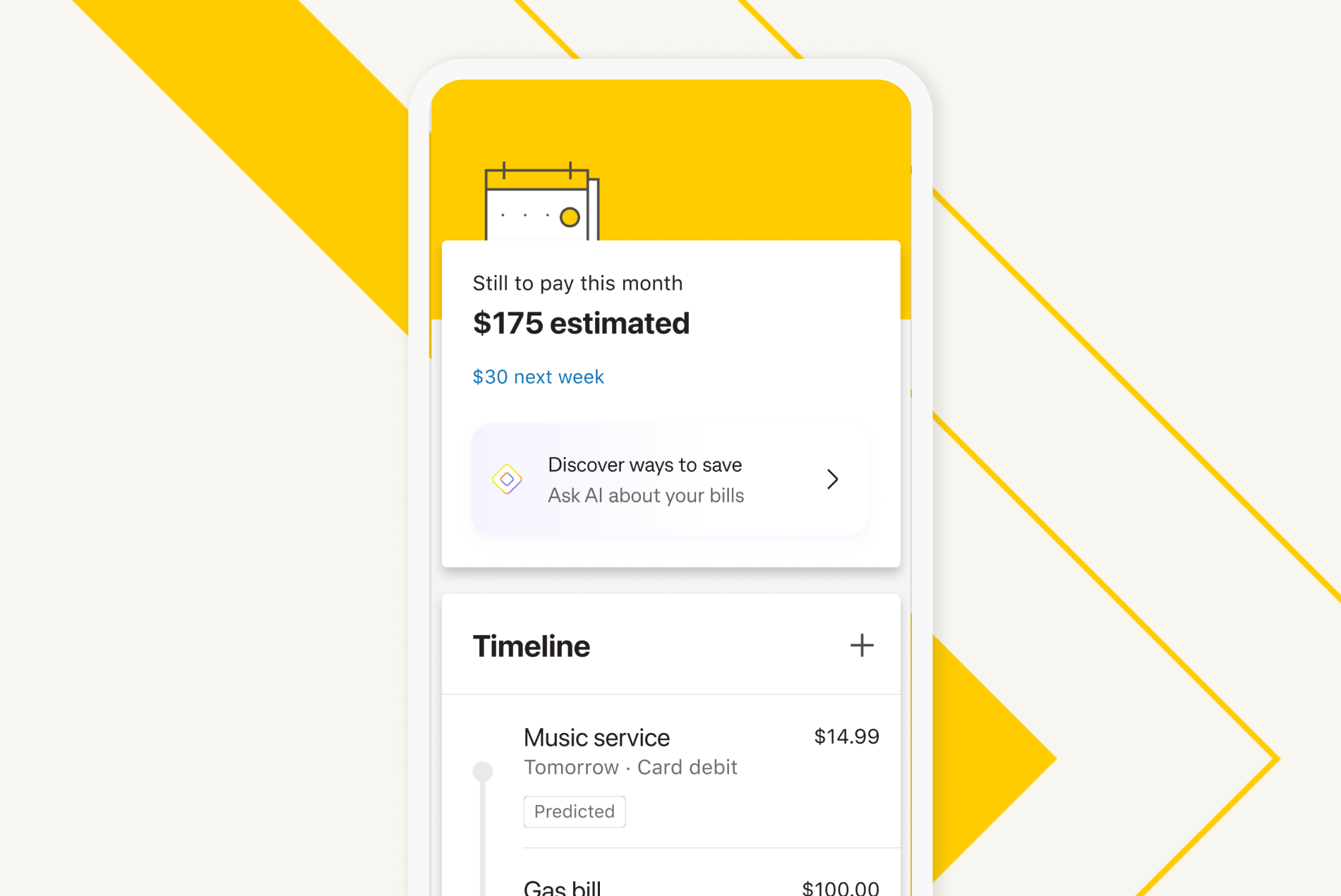
Explore Insights in the CommBank app to get a clearer view of your money. You can view your spending, saving, bills and investing in one place — helping you track where your money goes, see your progress and stay ahead of upcoming bills.
Managing your money just got easier with Insights. Check your cash flow, set budgets, and track your bills, savings or investments.
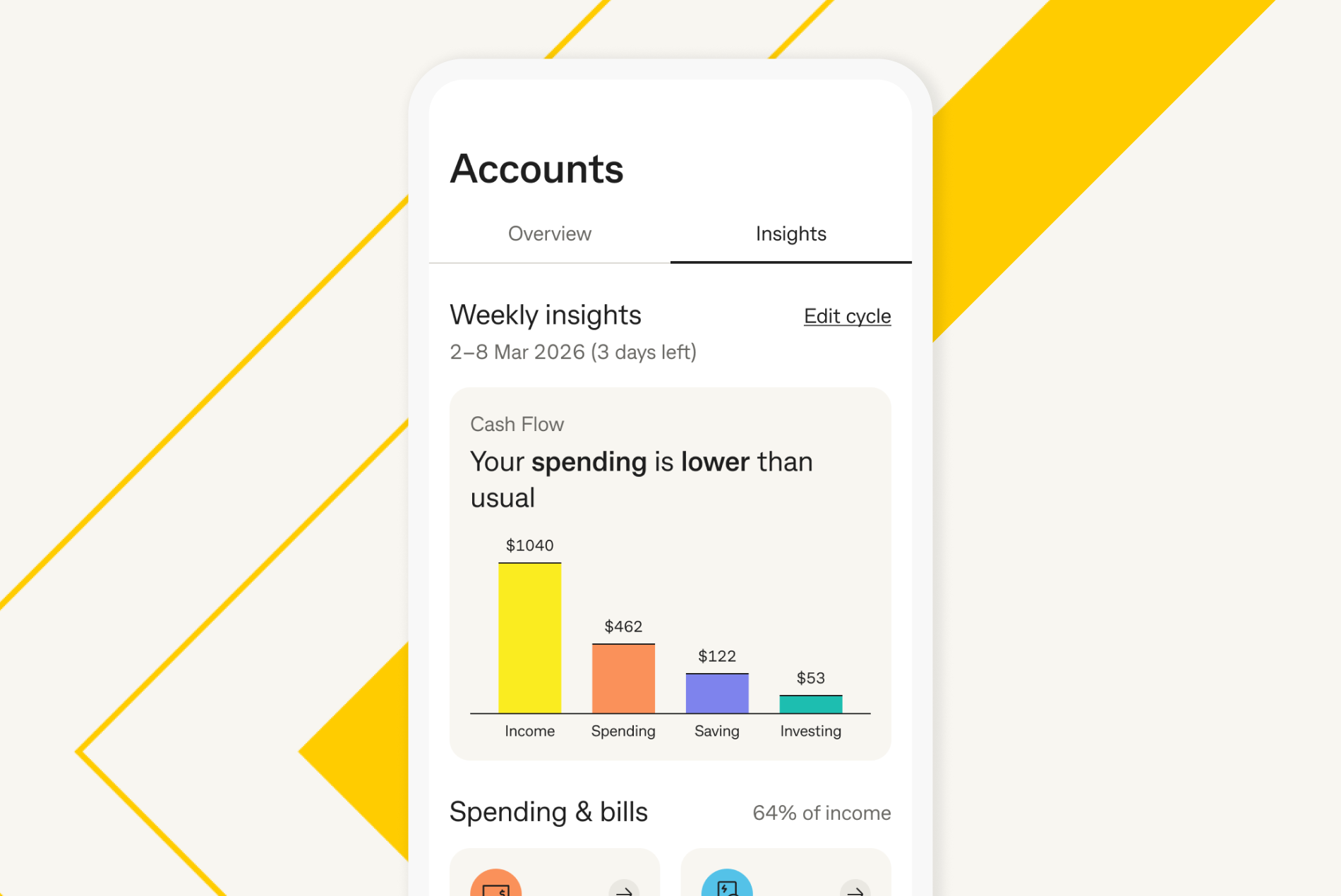
Get a clearer picture of the money coming in and out of your accounts.
You can:
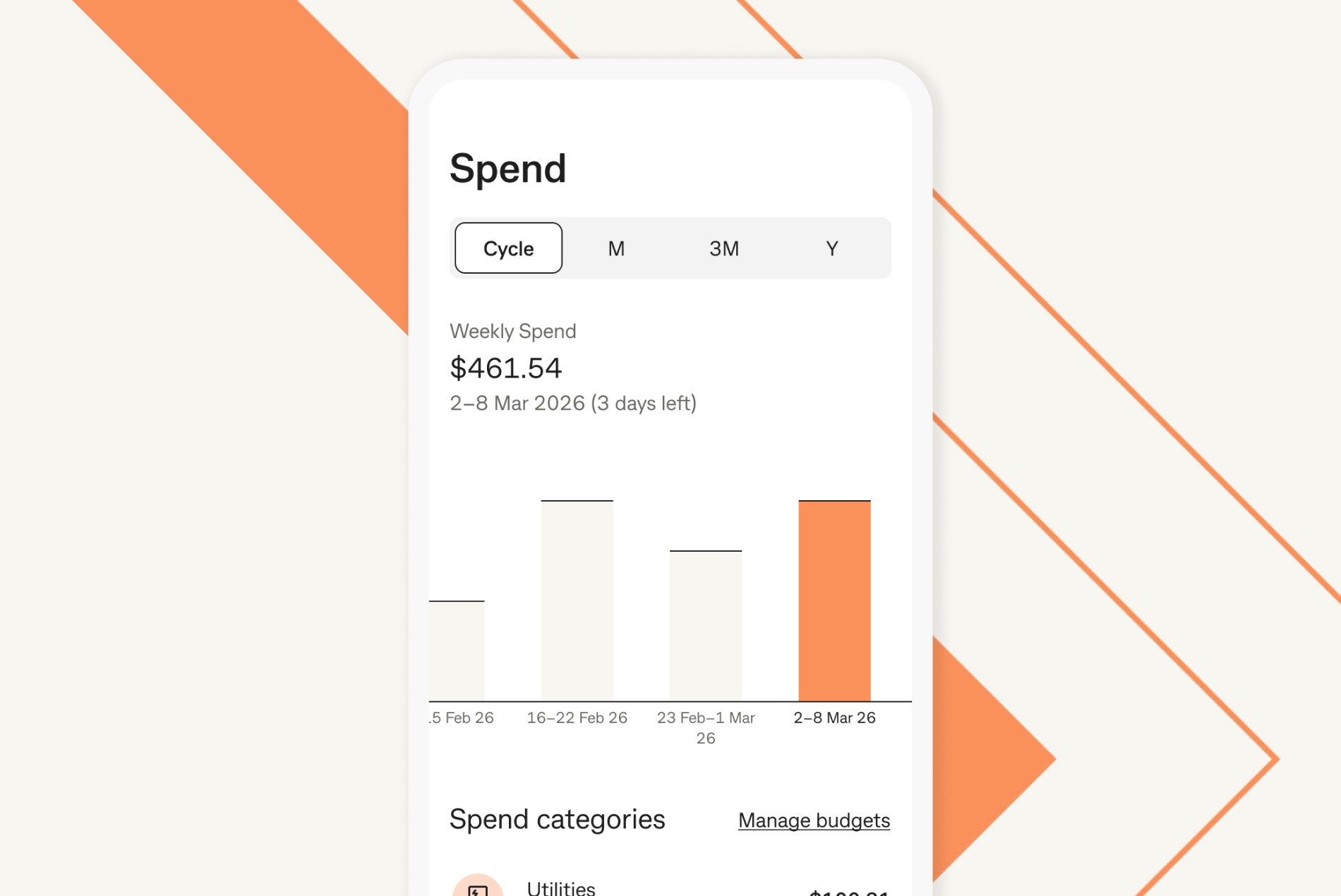
Understand your spending habits and stay on top of your budget.
You can:
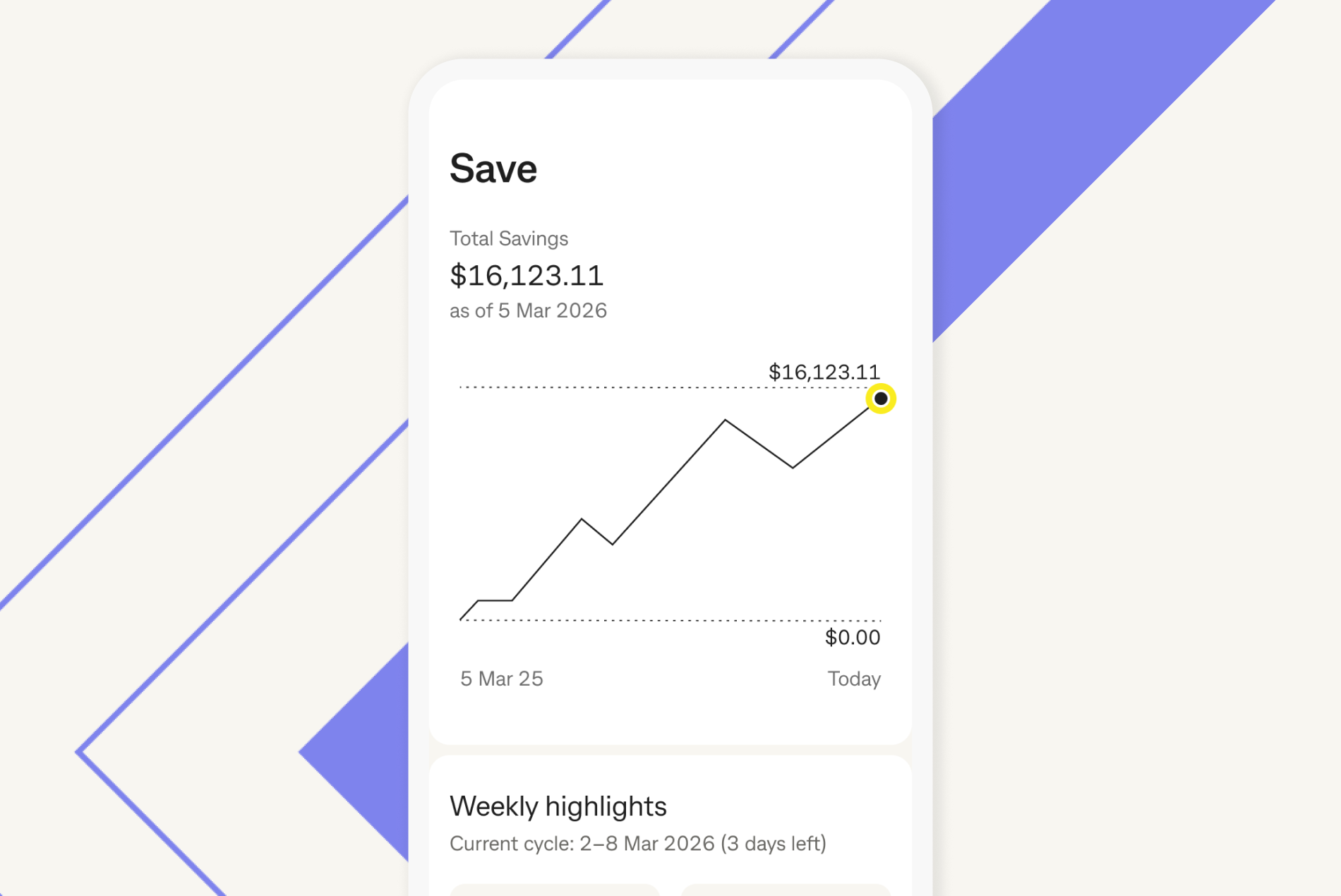
See how much you're saving and how your recent savings compare over time.
You can:
Get notified about what’s happening across your accounts.
You can:
Insights is being made available to customers gradually, so you may not see it in the app yet.
We’ve made a few updates to the CommBank app.
Money Plan and Cash Flow View have been replaced by Insights, where you can view your spending, savings and bills in one place.
With Insights, you can:
You can choose from weekly, fortnightly or monthly for your Insights view.
You can also choose when your Insights start, so they better align with your budgeting routine.
Any changes you make will apply to both your Spend and Save Insights, helping keep your view consistent.
You can choose when your Insights view starts and ends, so it better aligns with when you get paid.
For example, if you're paid fortnightly, you can view your spending and saving over a fortnight instead of a month.
Any changes you make will apply to both your Spend and Save Insights, helping keep your view consistent.
You can choose which accounts are included in Insights to make them more relevant to how you manage your money.
For example, you might choose to include or exclude certain accounts depending on whether you use them for everyday spending or savings.
Joint accounts can be included in Insights. If you use a joint account with a partner, family member or household, you'll see activity from everyone who uses that account.
If you don’t want to include a joint account in Insights, you can choose to exclude it.
You can update transaction categories in the CommBank app.
To change a transaction category:
You can also review uncategorised transactions to get a clearer view of where your money is going.
The CommBank app is free to download, however your mobile network provider charges you for accessing data on your phone. Terms and conditions are available on the app. NetBank access with NetCode SMS is required. Find out about the minimum operating system requirements on the CommBank app page.