Help & support
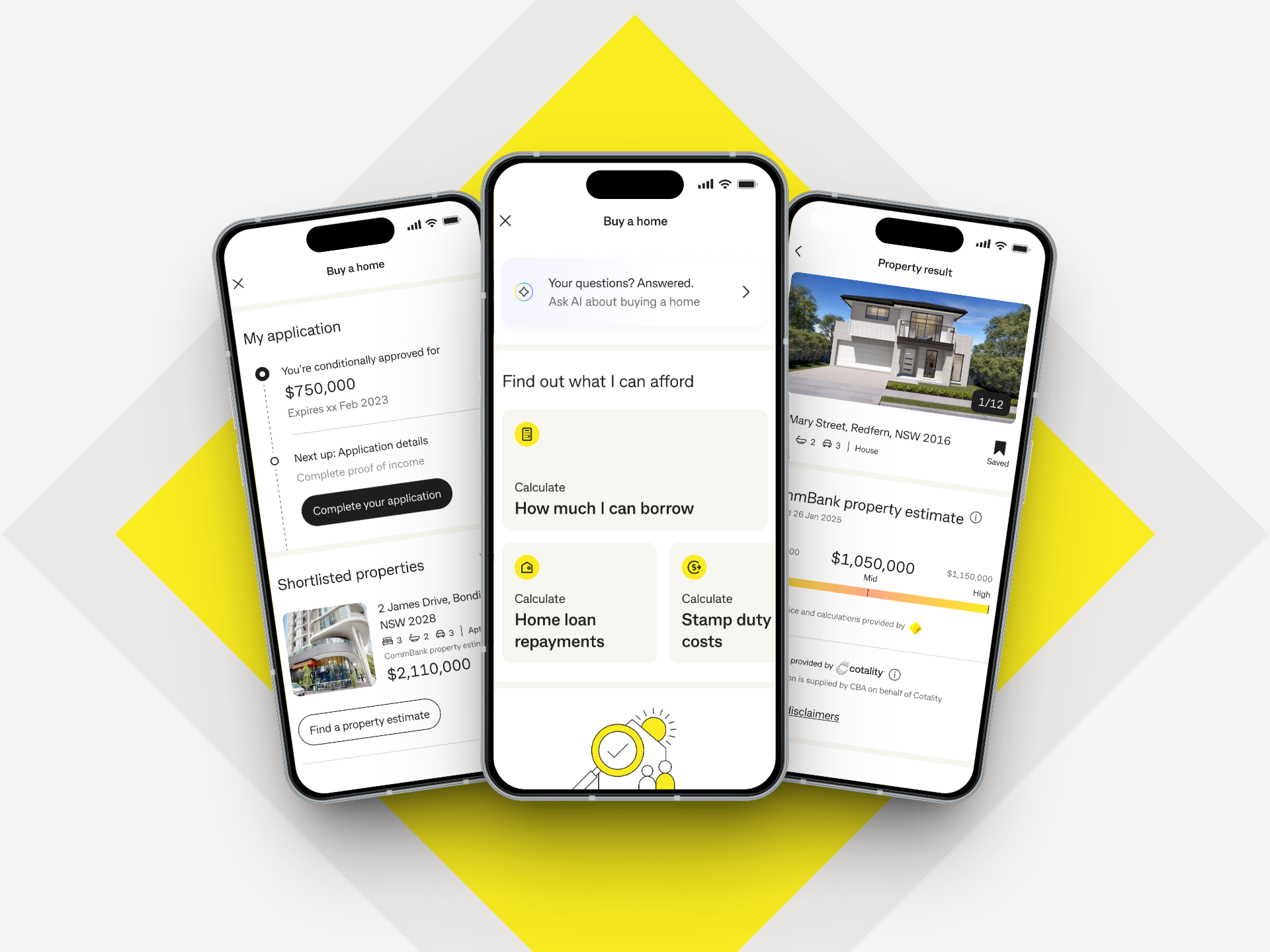
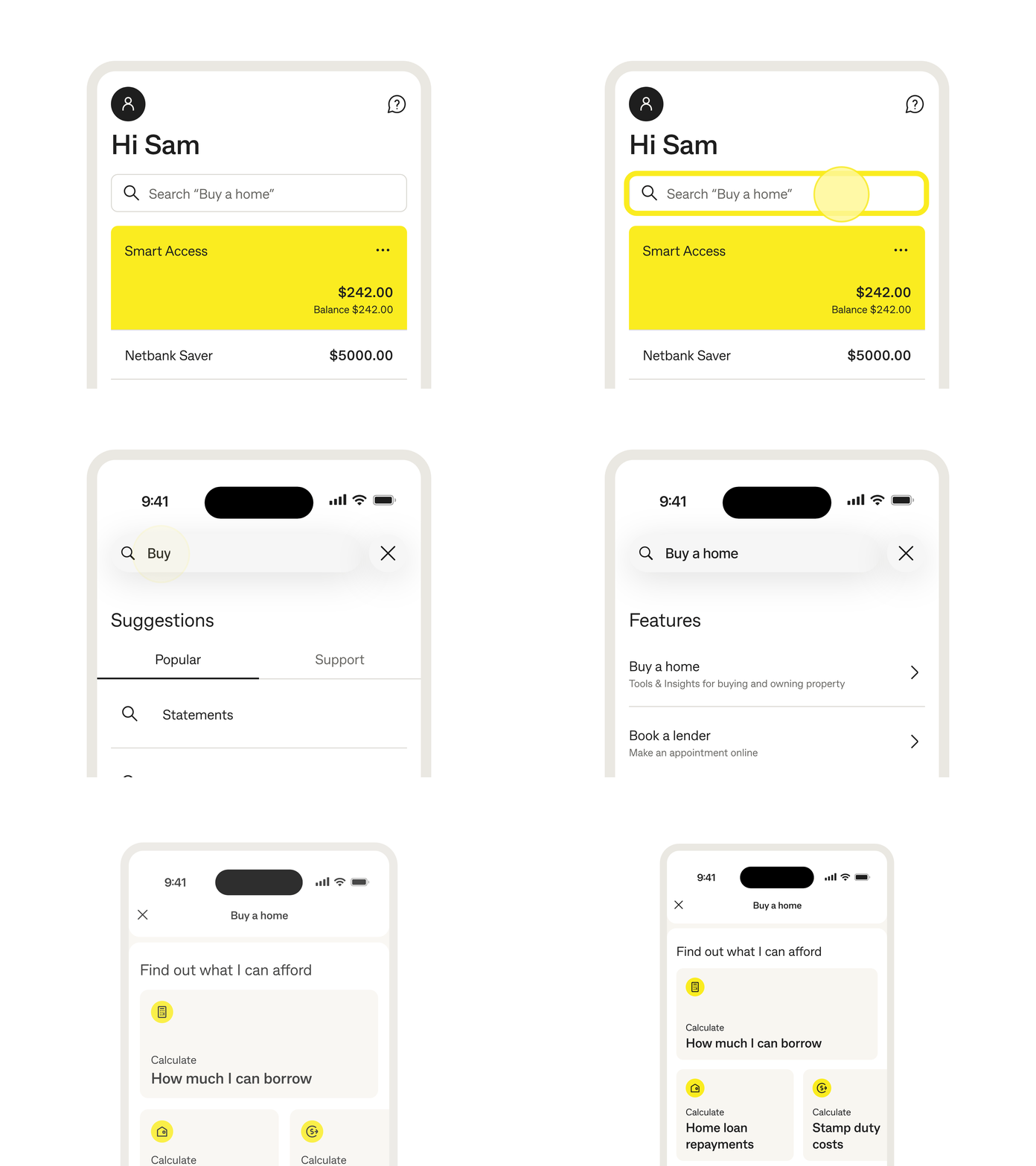
Buying a home is one of life's biggest milestones, and Buy a home in the
CommBank app can help make the journey simpler and more manageable.
Create your own home buying profile, save properties you find during your search and keep your borrowing power estimates and calculations in one place. Whether you're exploring the market or getting ready to apply, Buy a home brings helpful tools, insights and guidance together in the
CommBank app.

Tools & calculators
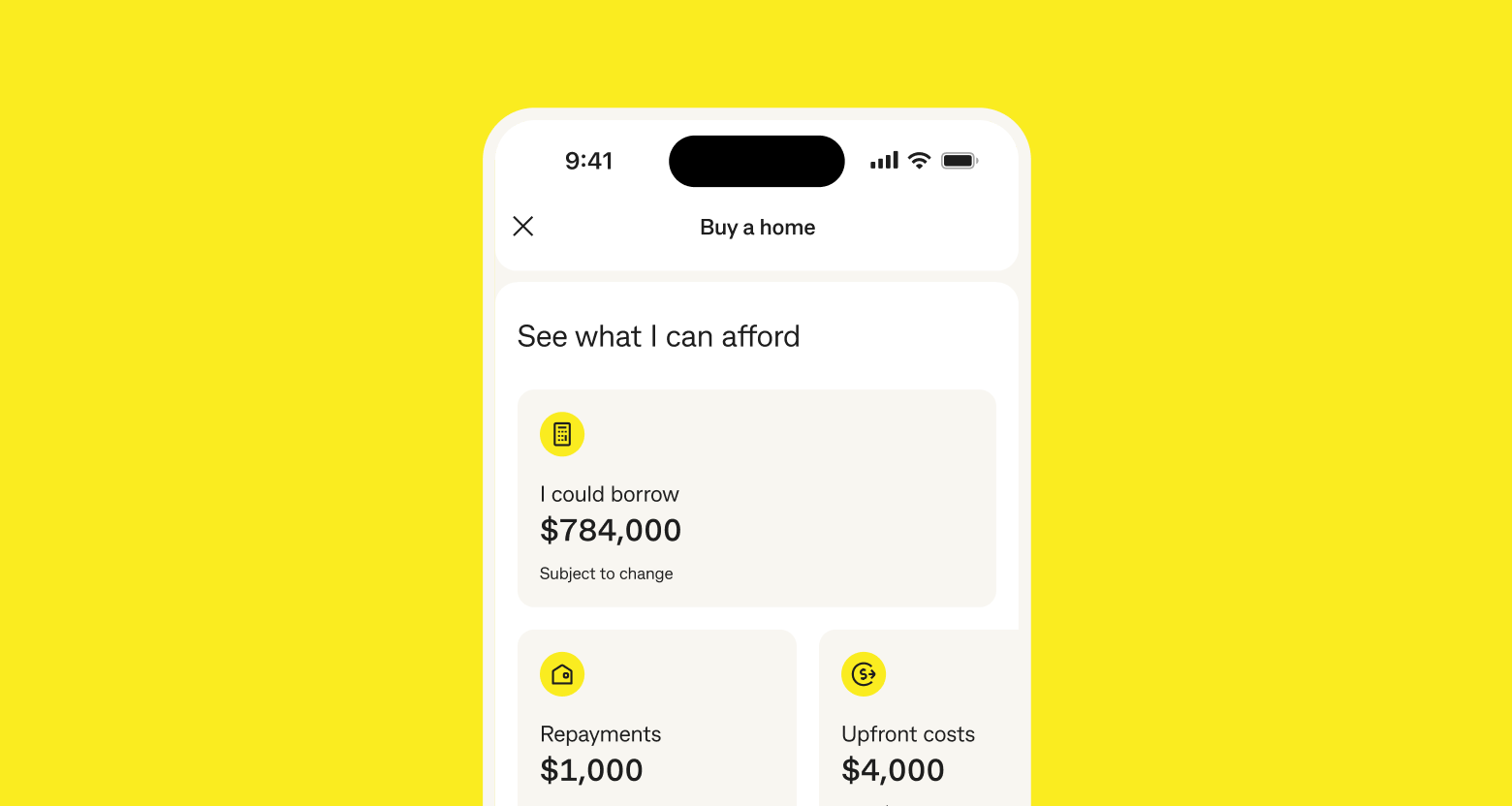
A one-stop shop for our popular home loan calculators and tools to help you along the way, such as our borrowing calculator, upfront cost calculator and repayment calculator.
Property Insights
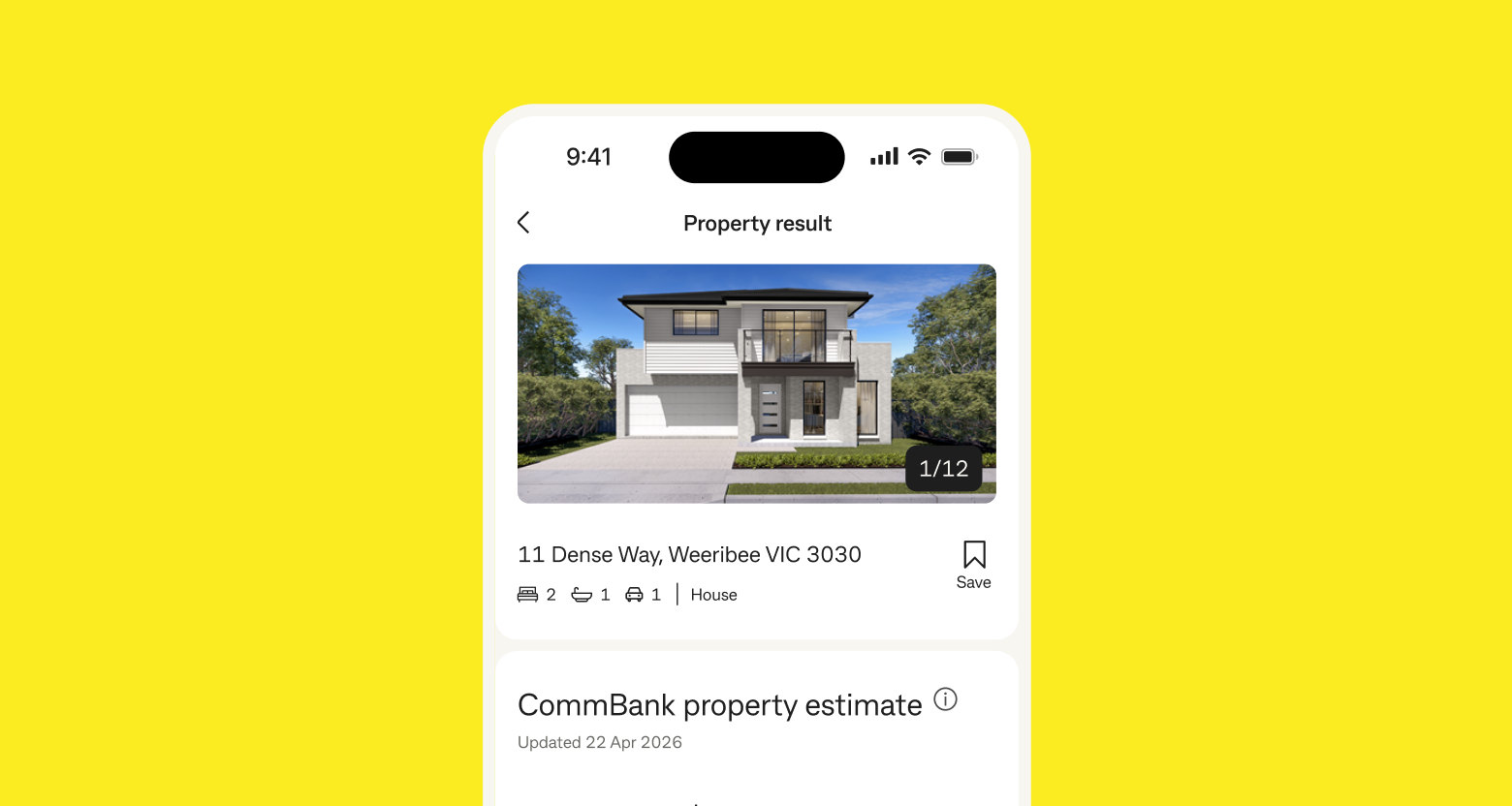
Search for your dream home, view property
estimates provided by CommBank (Listing data provided by Cotality) and save properties you're interested in to compare options along the way.
Application status tracker
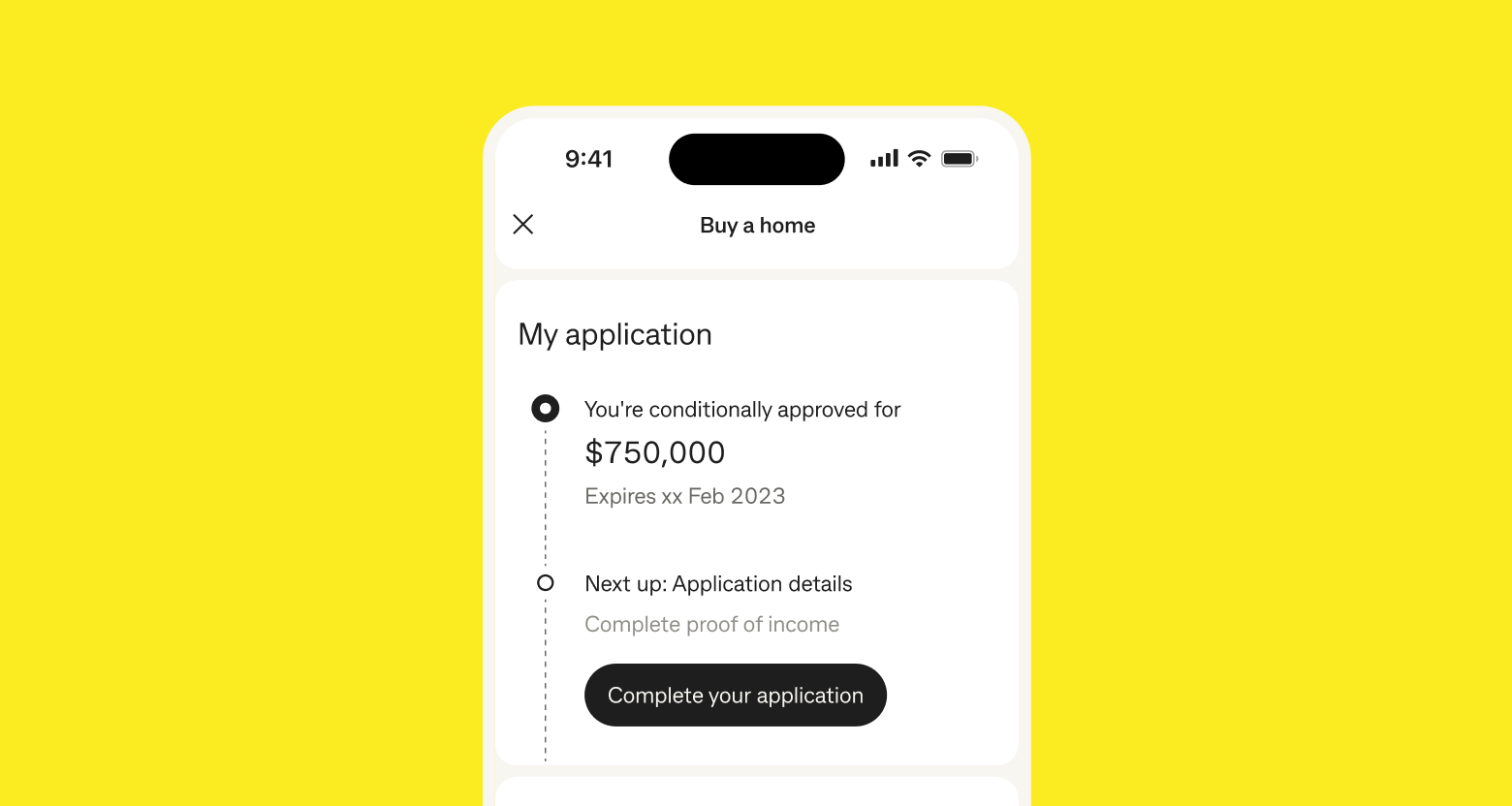
The application status tracker in Buy a home
makes it easy to instantly resume and track your application at any time, providing transparency through the home buying process.
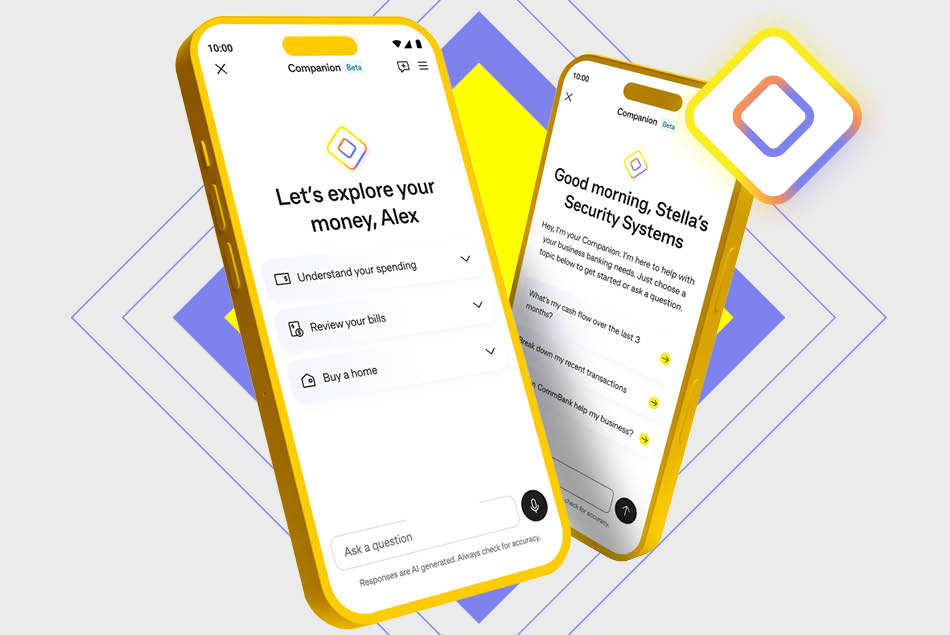
CommBank Companion marks the next evolution in reimagining banking: bringing intelligent Al-powered technology into the CommBank app.
CommBank Companion provides you with information to help you manage your everyday finances and businesses with greater clarity and confidence. Now in testing with select customers.
Get help from Ceba in the CommBank app or connect with a specialist who can message you back. You’ll need CommBank app notifications turned on so you know when you’ve received a reply.
Was the information on this page useful?
Book instantly to speak to a Home Loan Specialist at a time that suits you.
Redraw, change your repayments or loan type to better meet your needs and more.
Fast-track your call, see expected wait times and connect with a specialist in the CommBank app.
Get instant help from our virtual assistant or chat to a specialist.
These features are available for customers who hold a Conditional Pre-approval or Conditional Eligibility letter. For customers applying through a broker, not all features are currently available to you.
If you’re not already registered for NetBank, you need to consider whether it’s appropriate for you. Terms and Conditions are available at netbank.com.au. You can register online for NetBank with your CommBank keycard, debit MasterCard or credit card, or call us on 13 2221 or visit any of our branches.
The CommBank app is free to download however your mobile network provider charges you for accessing data on your phone. Find out about the minimum operating system requirements on the CommBank app page.
As this advice has been prepared without considering your objectives, financial situation or needs, you should, before acting on the advice, consider its appropriateness to your circumstances. Visit Important Information to access Product Disclosure Statements or Terms and Conditions which are currently available electronically for products of the Commonwealth Bank Group, along with the relevant Financial Services Guide. Loan applications are subject to credit approval. Interest rates are subject to change. Fees and charges may apply.
¹ Contracts are reviewed within six business hours 95% of the time (October 2023). To ensure contracts are reviewed within six business hours, customers must upload the entire contract within the Home-in app.
² Home-in has one of the highest on-time settlement rates in the industry with 95% of Home-in customers settling on time in 2023.
QR codes are provided for your convenience and the location you are taken to will not ask you banking information like your NetBank Client ID, password, or NetCode; or include a link to login. Always type CommBank - bank accounts, credit cards, home loans and insurance into a browser or use the CommBank app to securely access your banking. If something looks suspicious, forward it to hoax@cba.com.au and delete it. For more information on protecting yourself online, visit How to protect yourself from scams - CommBank’