Help & support
Keeping your business safe is our priority. We provide a range of products and security features to help you bank securely.
In an Australian banking first, NameCheck prompts you if the account details on a first-time, non-bulk payment don’t look right.
This can help protect from business email compromise scams and mistaken payments.
CallerCheck allows you to verify whether a caller claiming to be from CommBank is legitimate, by triggering a security message in your CommBank app.
We may need to identify you before assisting with certain transactions in-branch by using CustomerCheck, which sends a message to your CommBank app.
This helps ensure we’re speaking with the right person and helps protect you from fraud.
Screen Share Protect may automatically hide your details within the app to help protect your privacy1 when you engage in screen sharing activities such as mirroring your screen, taking screenshots (Android only) or recording your screen.
Concerned you might have been scammed? Call 13 1998 and select option 4.
Learn the main types of scams that can target your business, including business email compromise and phone impersonations.
Scammers often use a method called business email compromise to trick businesses into sending money to the wrong bank account or sharing sensitive information.
These emails often look like they’re from someone you trust – a manager, supplier or customer – and may ask you to update bank account details or make a payment to a new account.
Everyone is vulnerable to email scams. Remember: Stop. Check. Reject.
Join Georgina Tomas, Fraud and Scams Outreach Manager at CommBank, as we dive into business email compromise scams. We'll go through the different types of scams, mock case studies and show what steps you can take to better protect your business.
Watch the Securing Australia Together webinar to get more info about the Australian cyber threat landscape and the simple steps all businesses can take to help secure their business.*
EOFY can bring paperwork and a whole lot of stress. Don't add being scammed to the mix.
Here are some signs to look out for.
Access easy-to-digest information to help protect your business on topics such as:
Developed in partnership with the Council of Small Business Organisations Australia and Telstra, the Cyber Wardens program supports and educates small businesses to build cyber resilience.
Take payments from customers? Here's what you need to do to keep transactions and your customers safe.
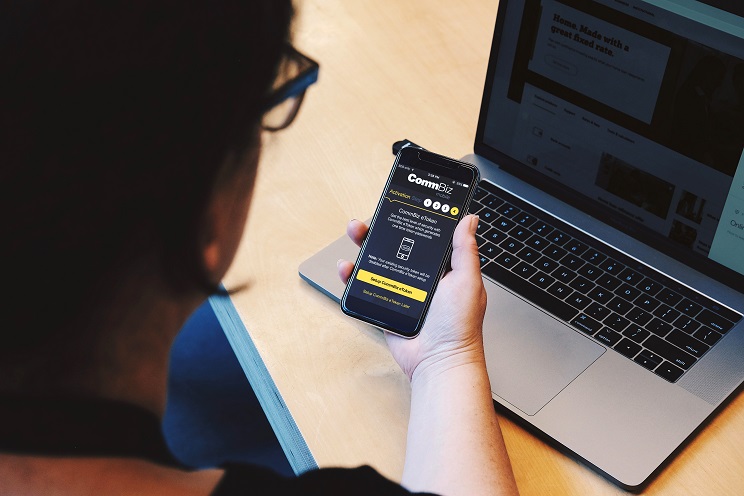
CommBiz protects your business’ finances with state-of-the-art security features so you can bank online with confidence.
1 Screen Share Protect is available with the latest CommBank app version 5.34 or later. Screen Share Protect will be turned off for up to 15 minutes at a time if you select to allow screen sharing activities in your CommBank app settings.
*This webinar has been prepared and presented by the National Office of Cyber Security (NOCS) for informational purposes only. The views and content expressed in this webinar are solely those of the NCOS and do not necessarily reflect the views or positions of the Commonwealth Bank of Australia (CBA). CBA does not endorse, guarantee, or accept responsibility for the accuracy, completeness, or reliability of the information provided. The information should not be construed as advice. Participants should seek independent advice before making any decisions based on the content of this webinar.
As this advice has been prepared without considering your objectives, financial situation or needs, you should, before acting on this advice, consider its appropriateness to your circumstances. Terms and conditions issued by Commonwealth Bank of Australia for CommBiz. View our Financial Services Guide. If you have a complaint, the Bank's dispute resolution process can be accessed on 13 2221.