Help & support
Need some help accessing your online banking? Check out our ‘how-to’ video guides or ask us next time you’re in Branch..
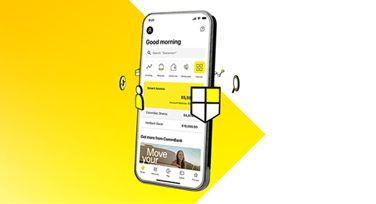
Making your day-to-day banking simple, quick and secure. With the CommBank app you can:
Stay in control of your money with the CommBank app.
Manage your finances securely online from your laptop or desktop.
Get an overview of your finances and explore all the day-to-day details of your money, including access to statements.

Wherever you are, whatever you are doing, you can use your compatible phone or wearable to make secure, cashless payments.
And you can check your account balance on the go using your smartwatch.
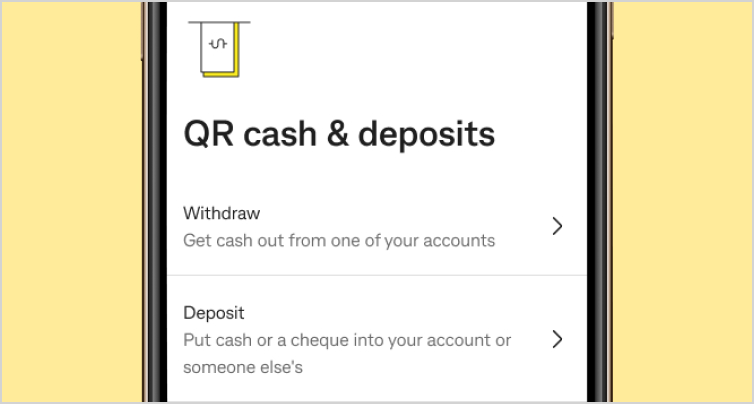
The fast and convenient way to make transactions without a card or PIN. Withdraw cash or deposit notes, coins and cheques by using the CommBank app to scan a QR code at CommBank ATMs.
Make use of the largest fee-free ATM network in Australia.
You can:
Our partnership with Australia Post means you have access to over-the-counter banking services at over 3,400 Bank@Post Australia Post outlets. Australia Post staff adhere to strict security and cash management practices, so it’s safe and secure to use your CommBank cards to deposit and withdraw cash.
At Australia Post you can:
CommBank customers can also use Australia Post’s ‘Cash Exchange’ service of up to $1,000 at participating post offices (a flat fee applies).
Bank over the phone from anywhere if you’ve got phone banking set up. Our friendly Australian based team is also available to help from 8am to 8pm (Syd/Melb time). Some of our services are available 24/7.
Get cash out when you’re paying for your weekly groceries at participating supermarkets and service centres4.
Whether you’ve lost your card or you don’t recognise a transaction, there are many ways you can get instant help online.
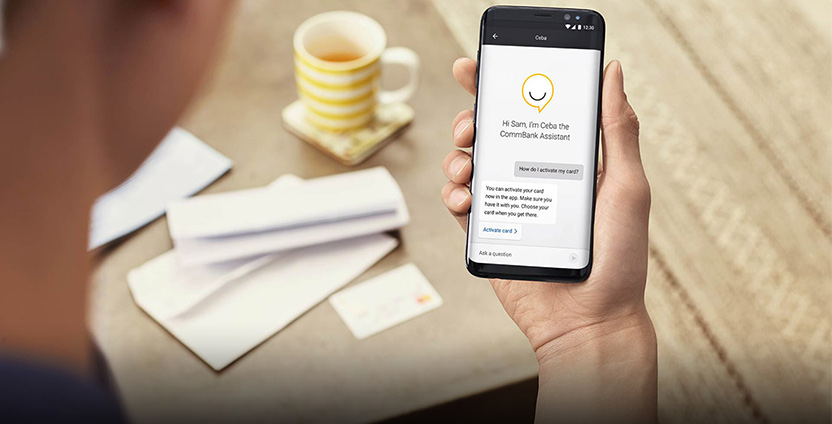
Our virtual assistant Ceba can help with everyday banking tasks. Simply tap on help and ask a question:
If you need more help, Ceba can connect you by phone or messaging to our customer service team.
Speak to a specialist at your local branch or over the phone, at a time that suits you. Appointments can be made for a range of services including Bereavement Support for Deceased Estates, Power of Attorney, Home Lending, Business Accounts and more.
Save time and manage your business online with our award-winning desktop and mobile digital platforms.
For businesses requiring premium online banking with multiple levels of user access.
A hub just for businesses with helpful links to the right support, expertise and solutions from business bankers who understand your local area.
For general business banking enquiries call 13 1998 anytime.
Get the most up-to-date information on temporary branch closures, system issues and events impacting our customers.
1 The CommBank app is available to customers registered for NetBank with NetCode SMS and is only available once you have been identified in branch or online.
2 You must enable push notifications on your registered device in the CommBank app to receive alert notifications.
3 NetBank is only available once you have been identified in branch or online.
4 Transaction limits and fees may apply.
QR Cardless deposits and QR Cardless withdrawals can only be completed with the Commbank app on CommBank app registered devices at a CommBank ATM (only available to QR Cardless eligible Commbank accounts). Daily deposits and withdrawals limits apply. A maximum daily withdrawal limit of up to $2000 applies for eligible customers. You will be advised of the applicable limit when you initiate a QR Cardless Withdrawal transaction in the CommBank app. Full terms and conditions in the Commbank app.